Keep image width, height and aspect separate
Use explicit image dimensions and the actual model’s tables instead of treating a diagonal or aspect label as the complete room plan.
Updated:
State the image dimensions before the equipment decision
An aspect label describes shape, not the complete size of an image or the projector body. Record intended image width and height in consistent units, then keep the actual projector’s requirements separate. A diagonal, ratio or product photograph alone cannot establish the full room arrangement. Our worked example explains arithmetic rather than recommending a screen size.
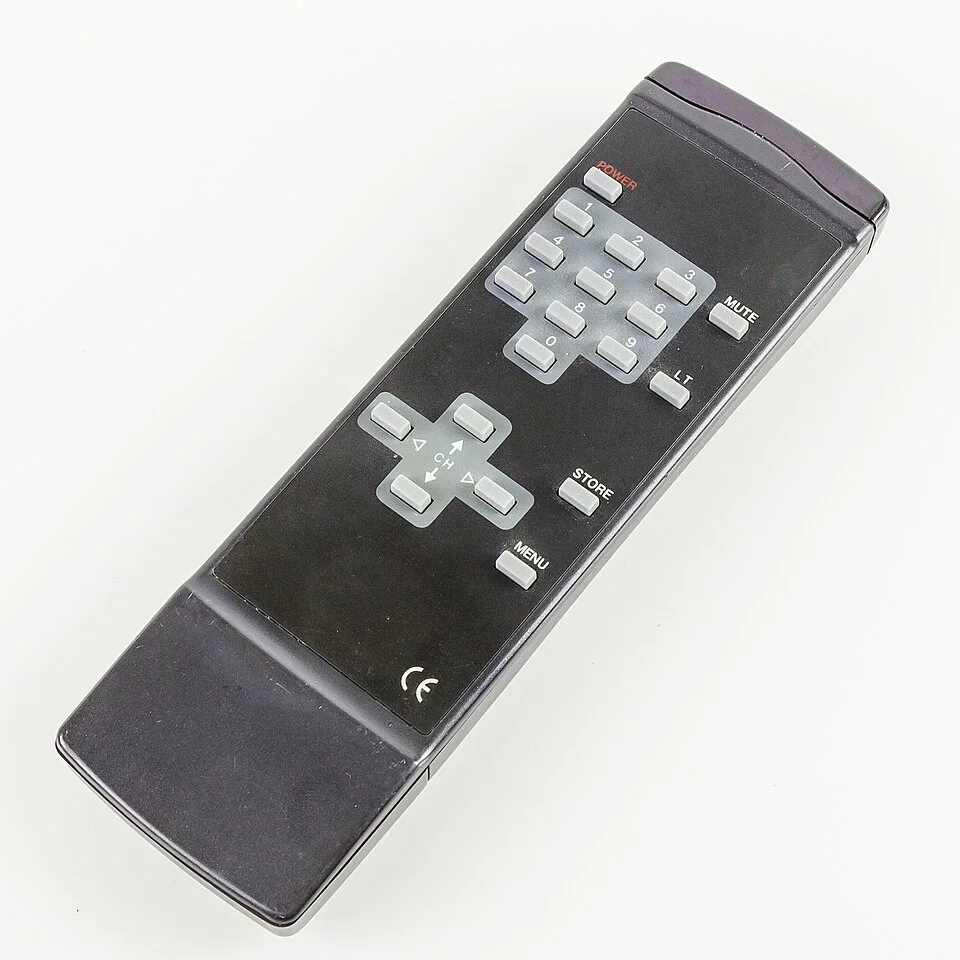
The archived projector is CH-TW5400, not EH-TW7100. Its appearance cannot supply the dimensions or conditions in the cited model’s manual. A useful plan preserves the difference between an image rectangle, physical equipment and a manufacturer’s applicable geometry information.
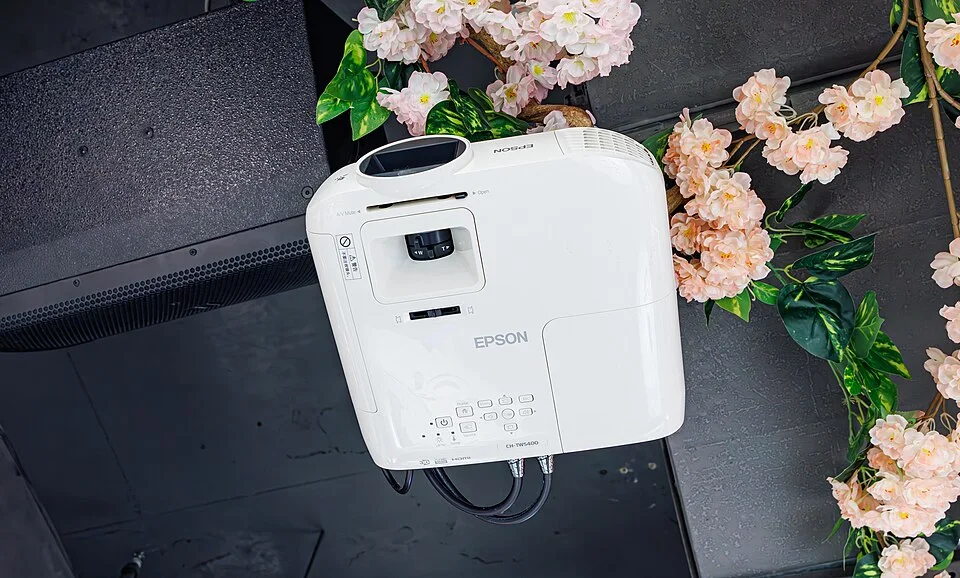
Calculate a declared aspect example explicitly
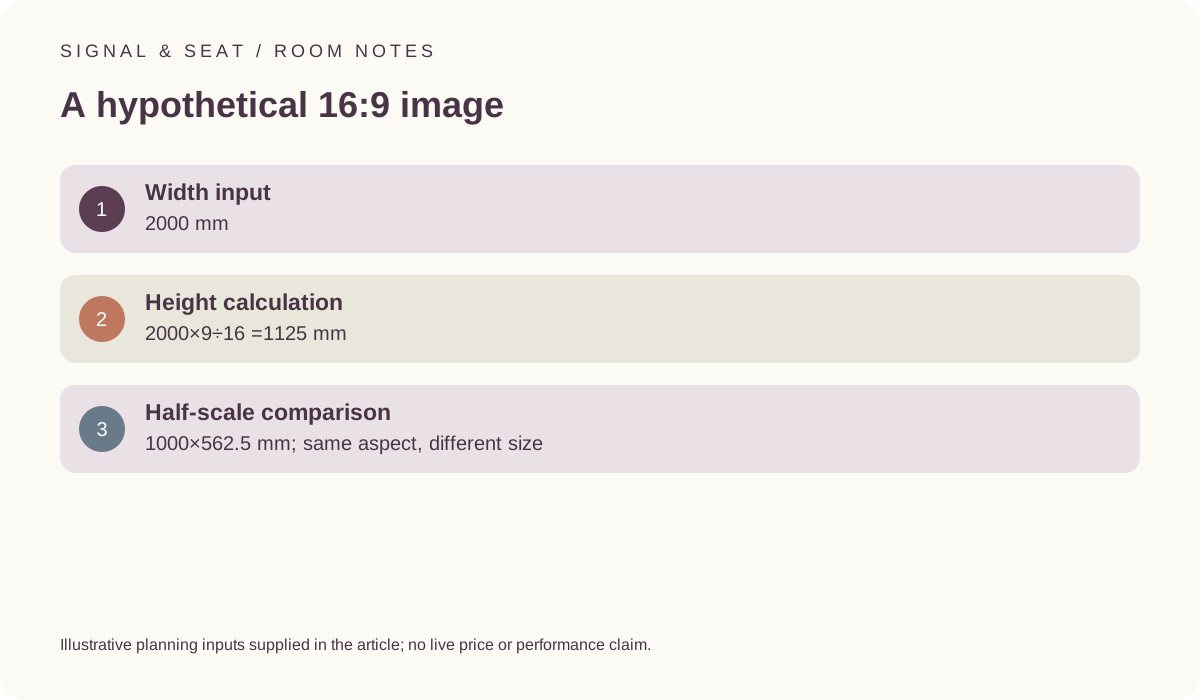
For a hypothetical 16:9 image 2000 mm wide, height is 2000 multiplied by 9 and divided by 16, giving 1125 mm. At half that scale,1000 mm by 562.5 mm has the same aspect relationship but a different physical size. These are mathematical examples, not measurements of the equipment in the photographs or recommendations for a room.
Do not treat the image rectangle as the whole screen, support or appliance footprint. Any physical screen system or other equipment has its own dimensions and requirements. Keep those records distinct so that a correct aspect calculation does not conceal an unresolved space or installation question.
Use the actual projector’s tables and conditions
The official Epson EH-TW7100/EH-TW7000 guide includes model-specific image-size, projection-distance and lens-shift information. Preserve the stated units, image arrangement and relevant conditions when using it. A generic ratio example does not replace those tables, and a value from a different projector should not be substituted because the product names look similar.
Keep any rounding in the manufacturer’s stated dimensions distinct from the exact mathematical example. Do not combine entries from different conditions into an imagined approved position. If the actual geometry remains unclear, preserve that uncertainty before selecting equipment intended to depend on it.
Epson EH-TW7100/EH-TW7000 official user guide ?
Separate image shape from the source and display features
The source material and the model’s documented handling also matter to the intended task. An aspect label on its own does not establish how every source is displayed or which settings are available. The remote photo identifies a physical control, not a guarantee of a particular menu or mode. Review the exact manual for the candidate and source.
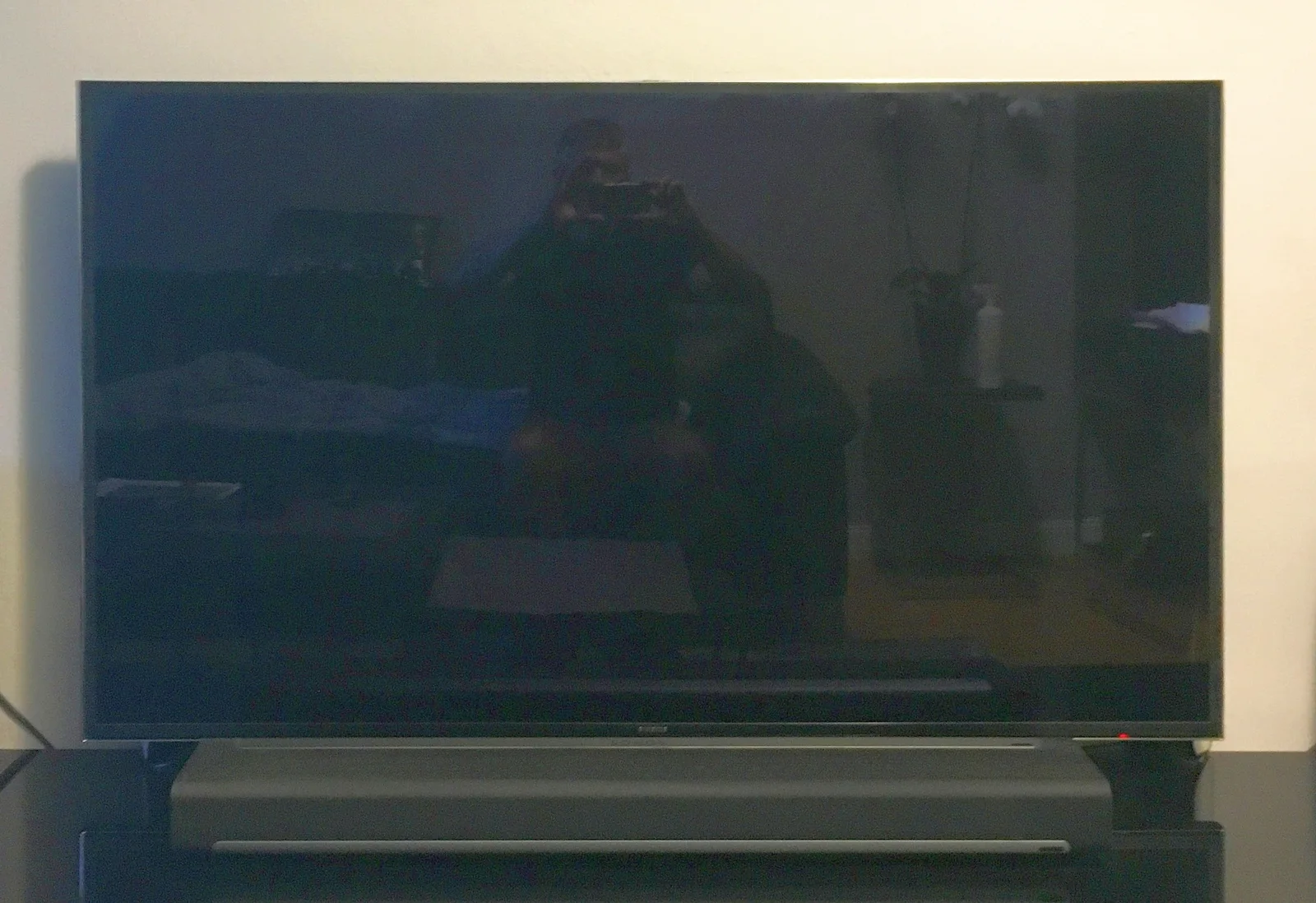
A television’s with-stand or without-stand dimensions describe another object. LG’s UK listing provides an example of those configuration-specific records. Do not use the active-image calculation as a replacement for actual appliance or furniture dimensions when comparing a television and a projected arrangement.
LG UK OLED55C44LA dimensions and connections ?
Keep the final result limited to what was calculated
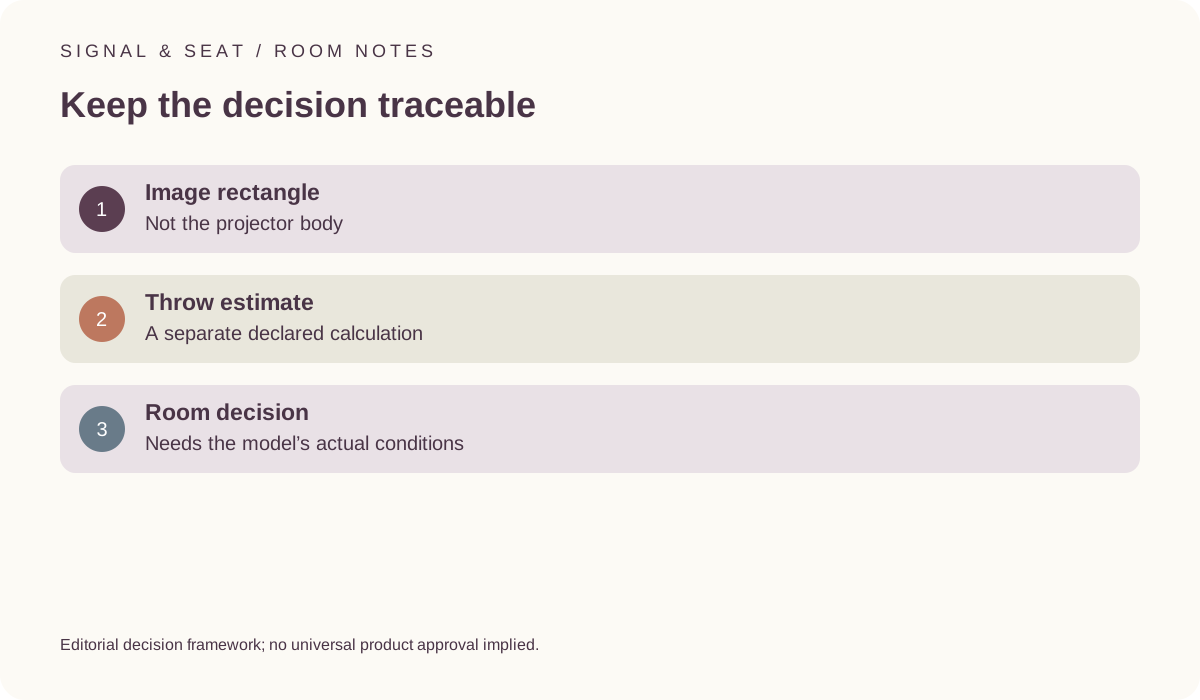
Save the width, height, units and any explicit aspect assumption beside the model information. A subsequent change of image size, source or equipment requires the relevant records to be revisited. Our throw-estimate tool handles a different multiplication using a declared ratio; neither calculation certifies safe mounting, operating clearance or picture quality.
The useful buying conclusion should explain the intended image and the actual conditions still needing review. It should not turn a correct 16:9 calculation into a complete fits label or a guarantee of comfort. Keep the manufacturer’s instructions and any appropriate installation assessment attached to the decision before agreeing work.