Use throw-ratio arithmetic as a first estimate
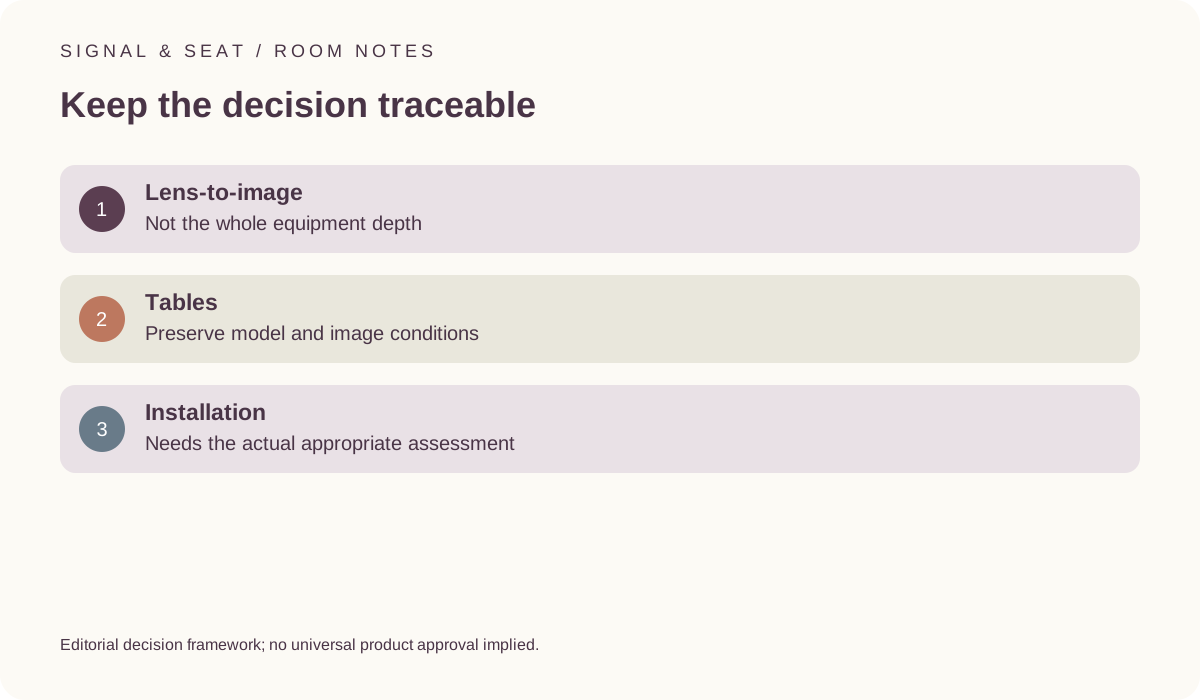
Multiply declared image width and ratio, then return to the exact manufacturer’s tables and conditions for the actual decision.
Updated:
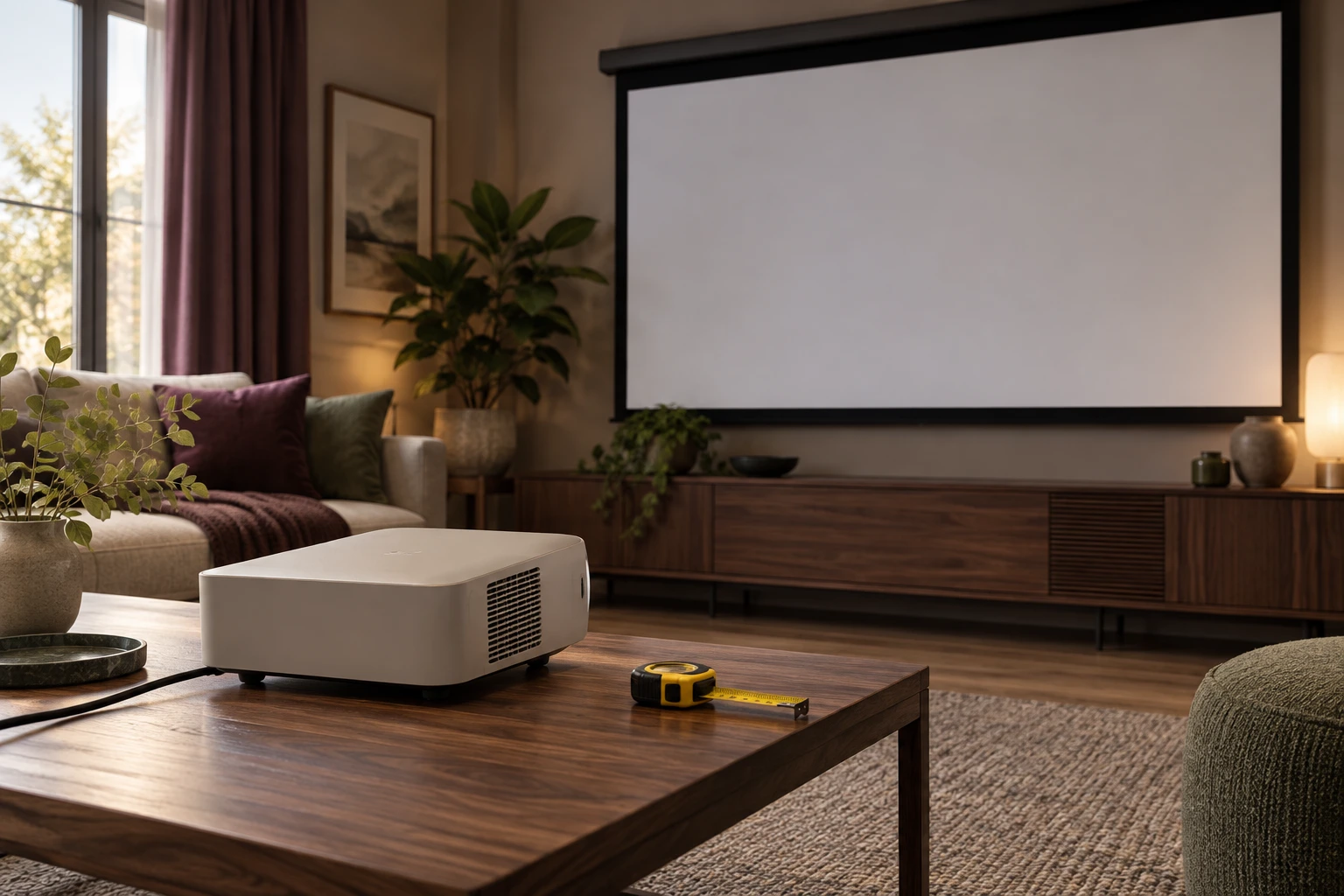
Start with the definition of the arithmetic input
A nominal throw-ratio calculation uses the intended image width and a ratio belonging to the relevant projector conditions. Keep width distinct from image diagonal, and keep the ratio’s source or assumption explicit. A broad projector category or a photograph cannot supply the correct value for an exact model. Our tool is a first arithmetic estimate rather than an installation decision.
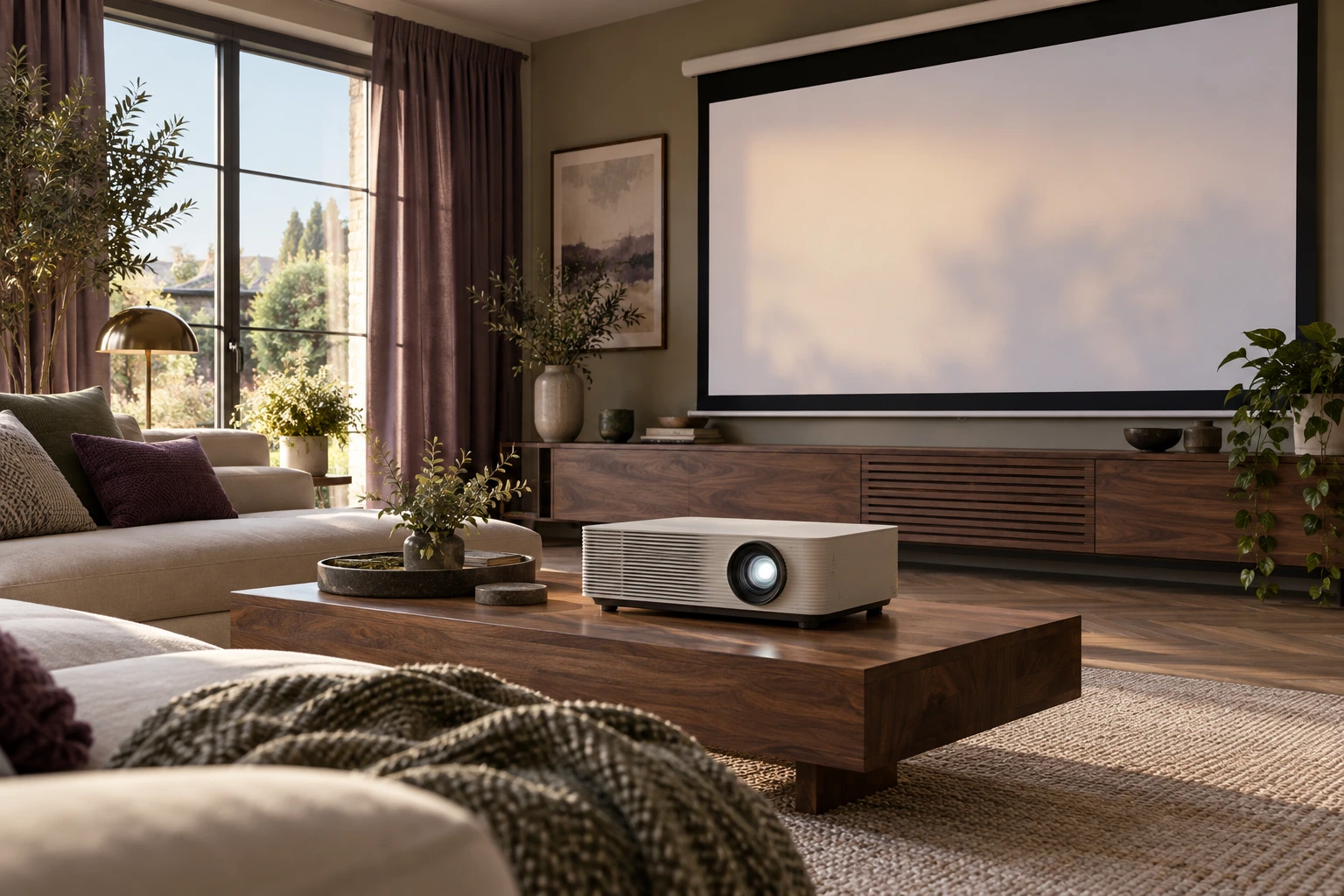
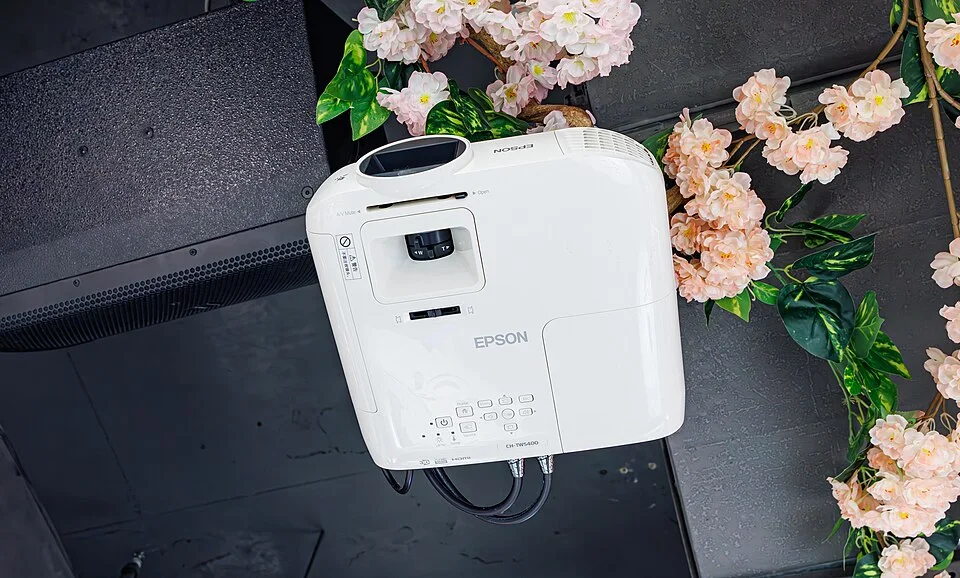
The archived CH-TW5400 projector is different from the EH-TW7100 in the cited documentation. It identifies a physical projector form only. Do not use the photograph as a mounting example, a distance specification or evidence of clearance around the proposed equipment.
Carry the hypothetical example to its result
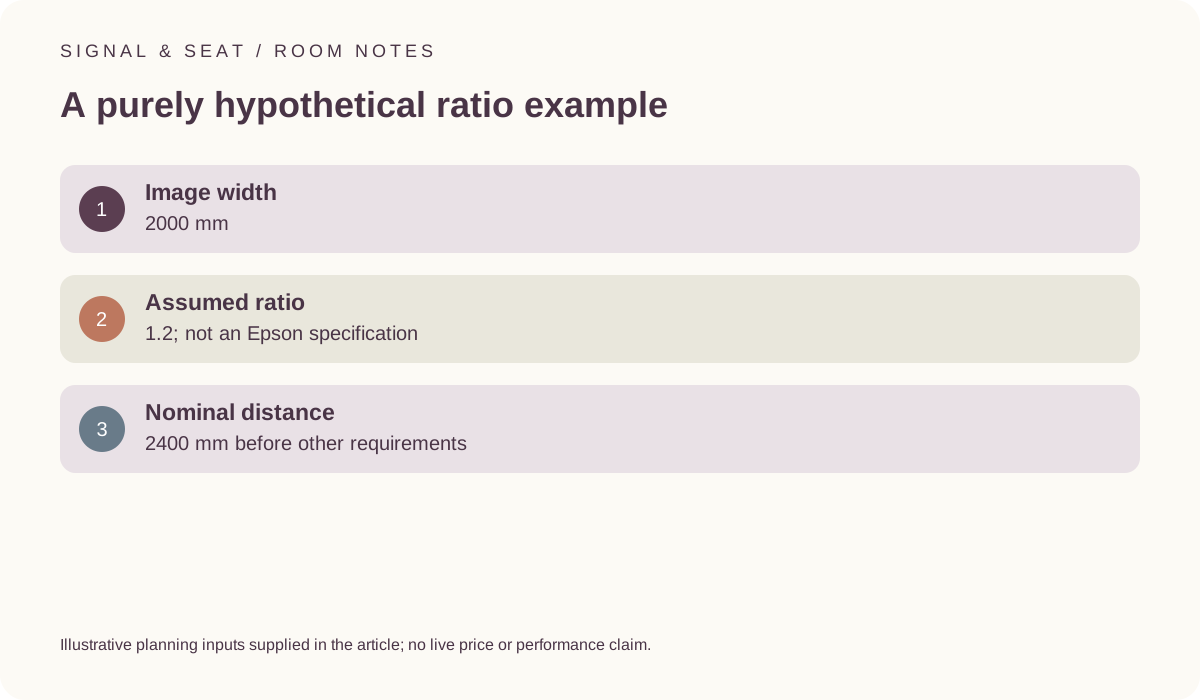
Assume a2000 mm image width and a purely hypothetical ratio of 1.2. Multiplying gives 2400 mm of nominal lens-to-image distance. The 1.2 value is not an Epson specification, and the result is not a recommendation for a room or a guarantee that a projector fits. Our throw-estimate tool performs this same multiplication on the values entered.
A television dimension such as 1222 mm describes another physical object and should not be substituted for projected-image width without a reason. Keep the image, projector body and furniture or room requirements in separate records. The calculation excludes body depth, offsets, lens shift, distortion correction and the actual installation assessment.
Read the manufacturer’s own geometry tables
The official Epson EH-TW7100/EH-TW7000 guide provides model-specific screen-size, projection-distance and lens-shift information with conditions. Preserve the exact model, image arrangement and table units when using it. Do not combine unrelated minimum or maximum entries as though they describe a single approved position. The manual, not our hypothetical ratio, controls the model-specific review.
Use the current support route to identify the applicable guide and any relevant revisions. A familiar product family name does not make every model’s geometry identical. If the actual conditions remain unclear, keep the room-fit question unresolved before ordering a screen, furniture or installation service intended to depend on it.
Epson EH-TW7100/EH-TW7000 official user guide ? Epson UK EH-TW7100 support and manuals ?
Separate signal and operating requirements from distance
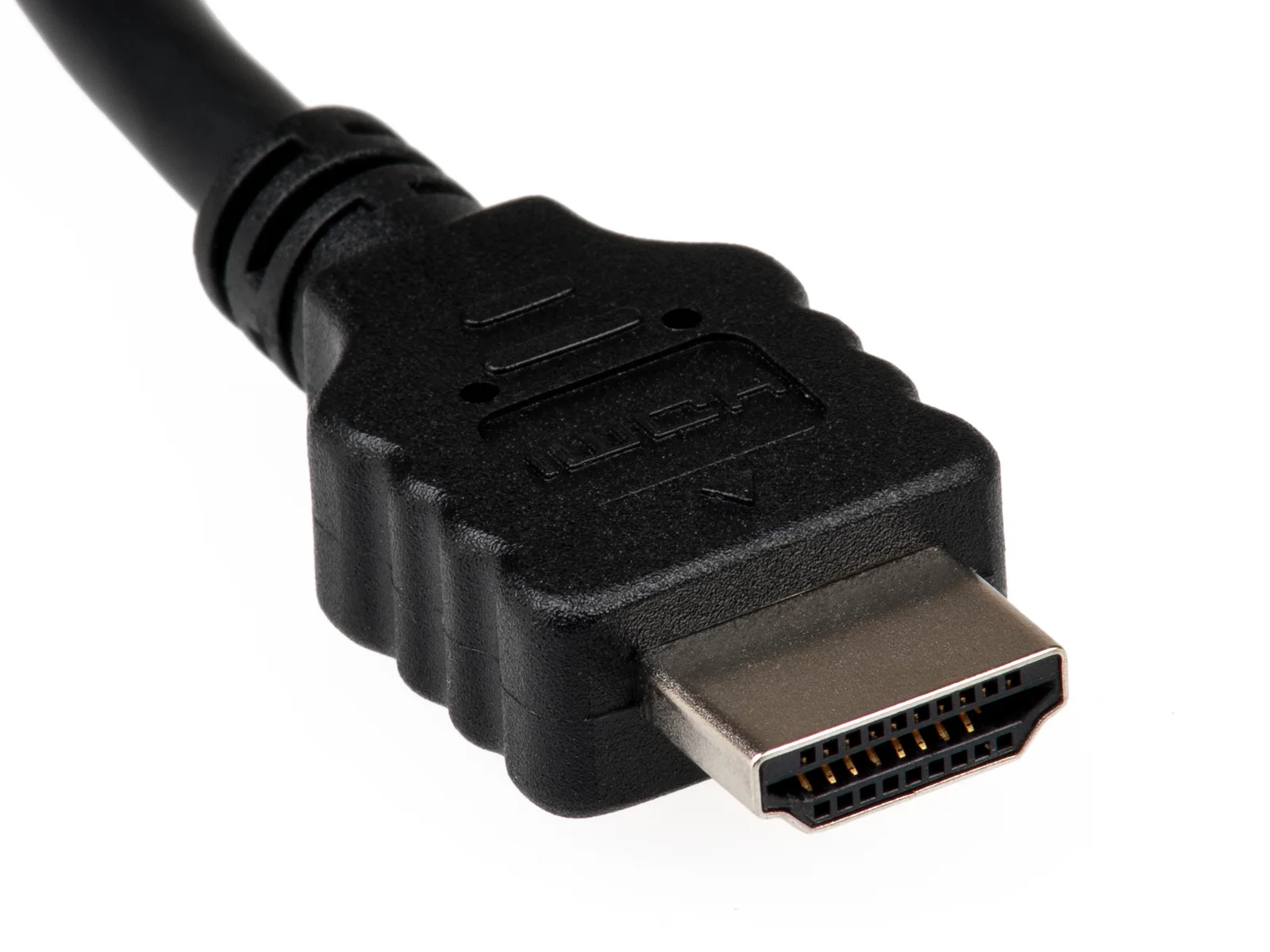
Even a plausible arithmetic distance does not establish the intended source path, operating clearance or electrical arrangement. Read the exact projector’s requirements and preserve those questions separately. An HDMI-shaped connector cannot prove format compatibility, and a cable route cannot be inferred safely from a small room sketch.
This guide supplies no ceiling-fixing, structural-support or mains-wiring procedure. The HDMI photograph is physical connector context only. It does not establish a compatible signal, a suitable cable installation or a complete room plan. Where the actual arrangement needs a competent assessment, preserve that requirement instead of treating one successful multiplication as an approval.
Save a narrow, reproducible estimate
Record image width, the ratio and its source, units and the resulting nominal distance. Mark a hypothetical ratio as hypothetical in both the worksheet and any notes used for a purchase. Revisit the calculation when the model, image size or relevant conditions change. A previous result belongs to its original inputs.
The useful outcome is an initial estimate that directs a model-specific review, not a complete fits label. It should not promise picture quality, ideal seating or safe installation. Keep the manufacturer’s tables and actual room questions attached before using the estimate to choose equipment or agree work.