Make an HDMI port inventory before buying
Count the actual socket roles and intended source paths rather than treating every HDMI-shaped connection as interchangeable.
Updated:
List the actual equipment and intended jobs
Begin with every source device or app relevant to the planned setup. Record the output, intended task and the corresponding display or audio-device connection described by the exact manuals. A count of HDMI-shaped sockets is useful, but it is not a complete capability inventory. Keep source inputs and any return-audio role distinct rather than assuming that every connection does the same work.
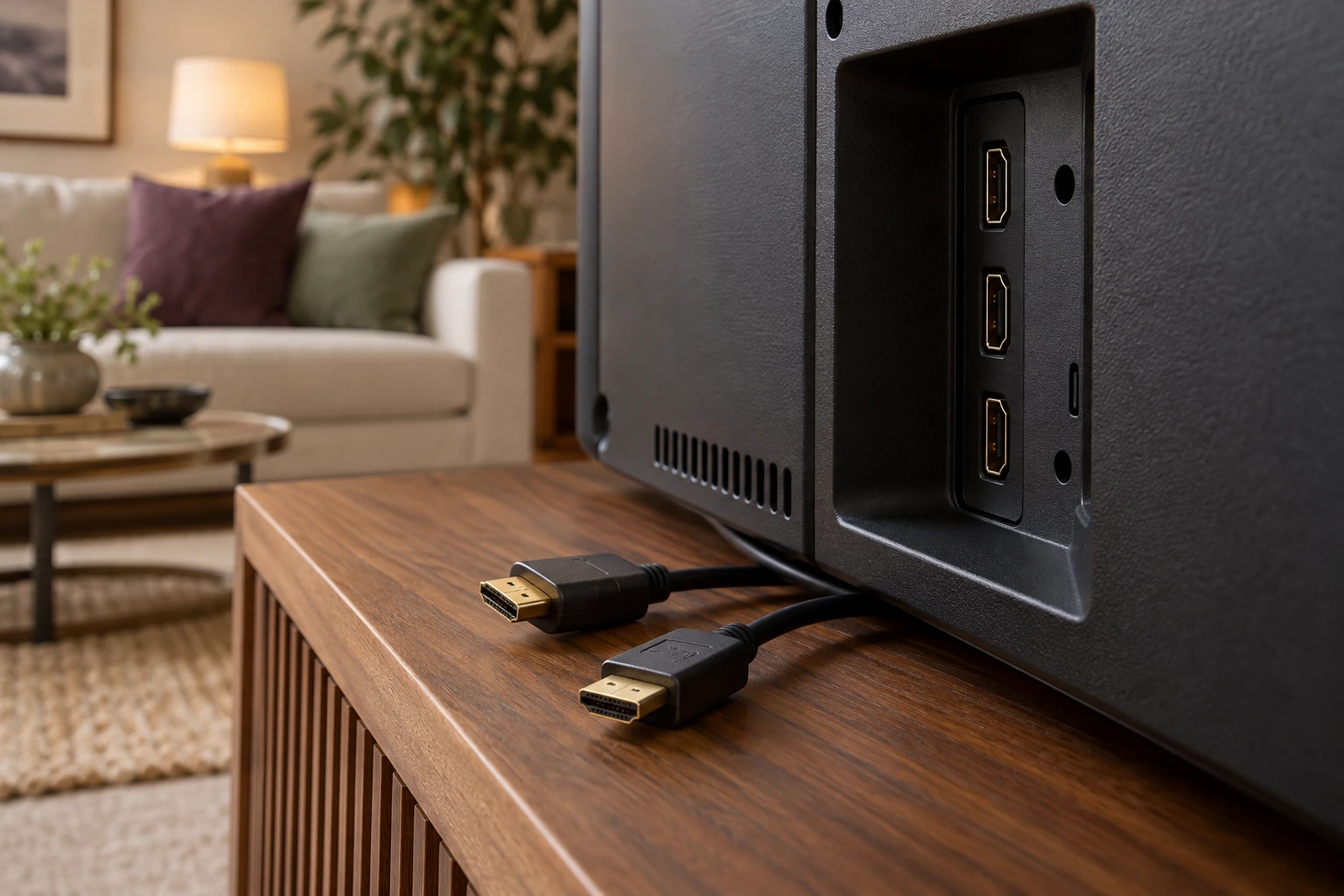
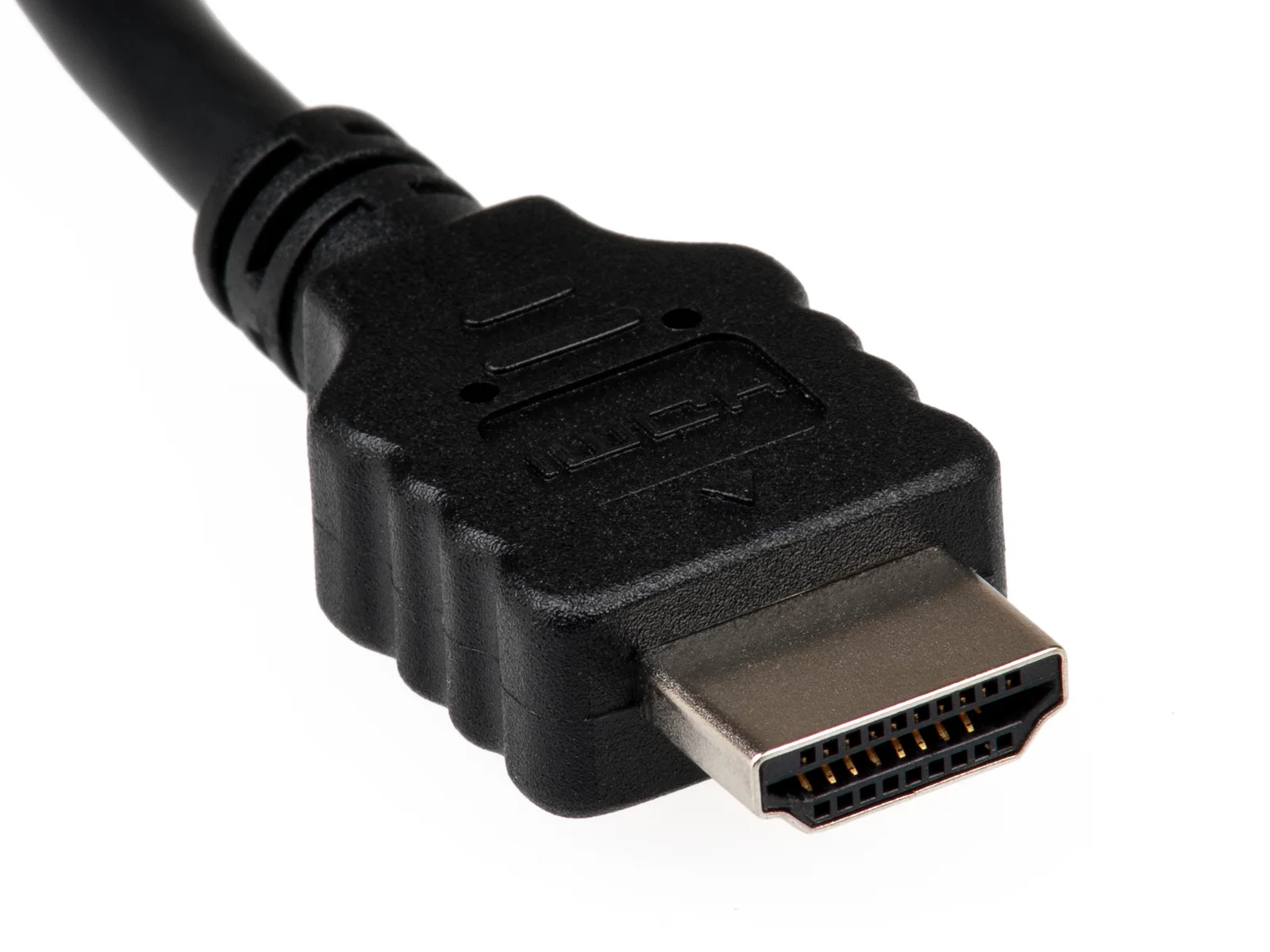
The HDMI plug photograph identifies physical form only. It cannot establish a port’s input or output role, a cable’s certification or a supported format. A useful inventory should explain what each assigned connection is intended to do without borrowing capabilities from another device.
Keep a socket count narrower than a compatibility conclusion
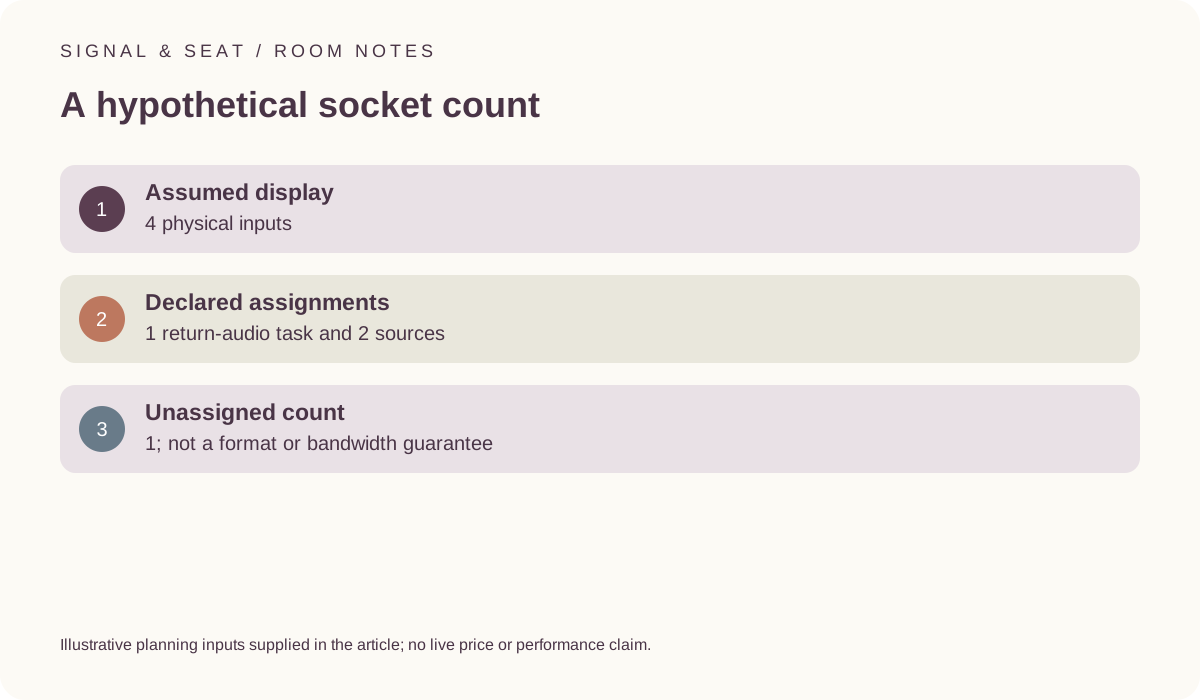
For a hypothetical display with 4 physical inputs, assume one is assigned to a documented return-audio task and two are assigned to sources. That leaves one unassigned input in the arithmetic. These are invented planning assignments, not the layout of the archived television or proof that every desired feature works on the remaining socket.
An accessory allowance can follow only after the requirements are identified. If two needed compatible cables are hypothetically £8 each, their allowance is £16. Those are invented prices, not current offers. A correct total cannot determine which cable or input is suitable, and an unassigned socket does not automatically solve an unresolved format question.
Preserve the designated port in a manufacturer example
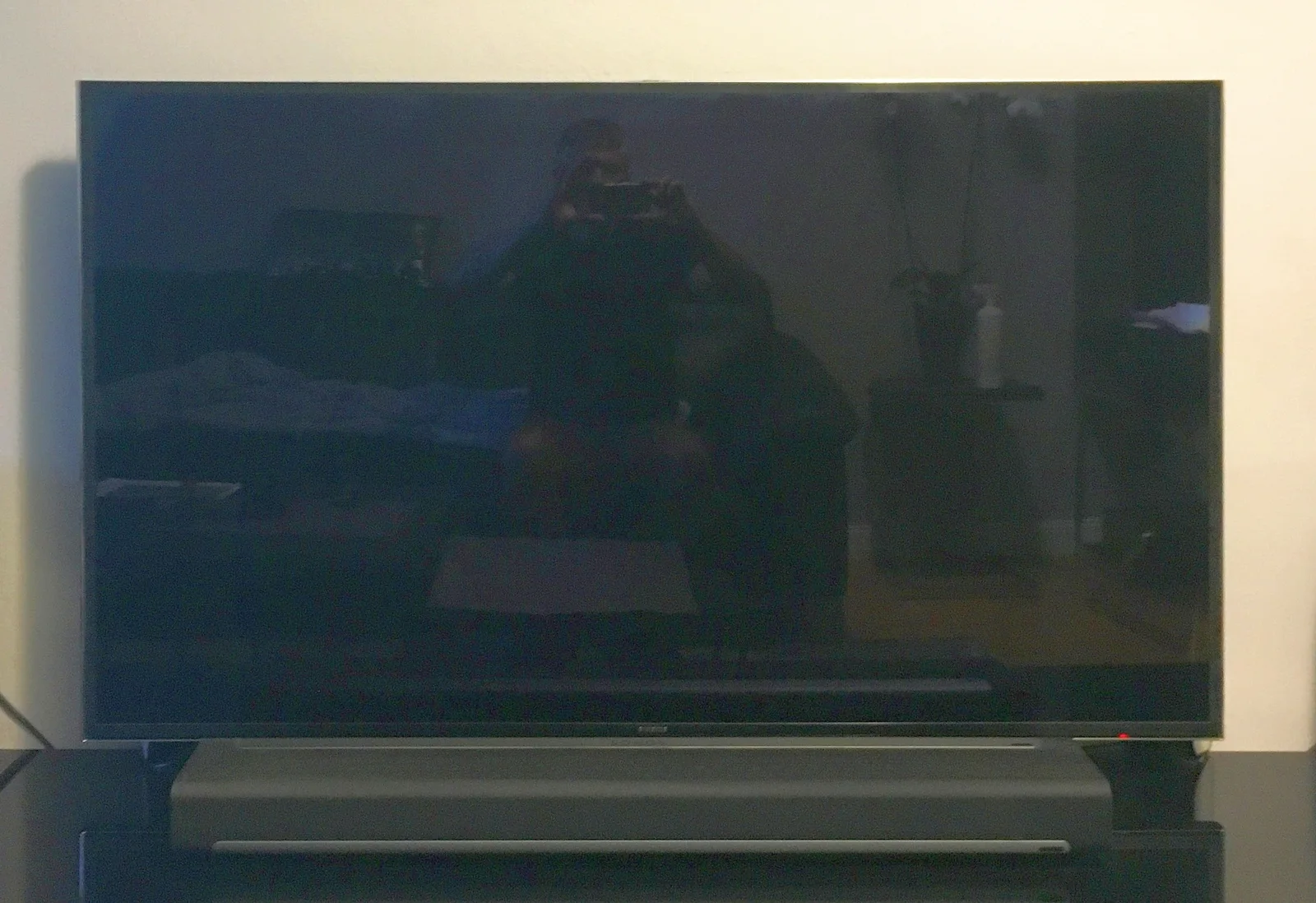
LG’s UK OLED55C44LA information identifies eARC on HDMI 2. Keep that model and port designation attached to the statement. Do not generalise it to another television, generation or every socket on a display. The archived Samsung set in the photograph is different equipment and cannot supply the named model’s port map.
HDMI’s eARC information describes the capability at specification level, not the whole combination you intend to use. Retain the actual audio-device conditions and source material in the return-path record. The inventory should identify an unresolved link rather than allowing a familiar label to become an end-to-end guarantee.
LG UK OLED55C44LA dimensions and connections ? HDMI Licensing Administrator: enhanced audio return channel ?
Do not assume an audio device adds spare source inputs
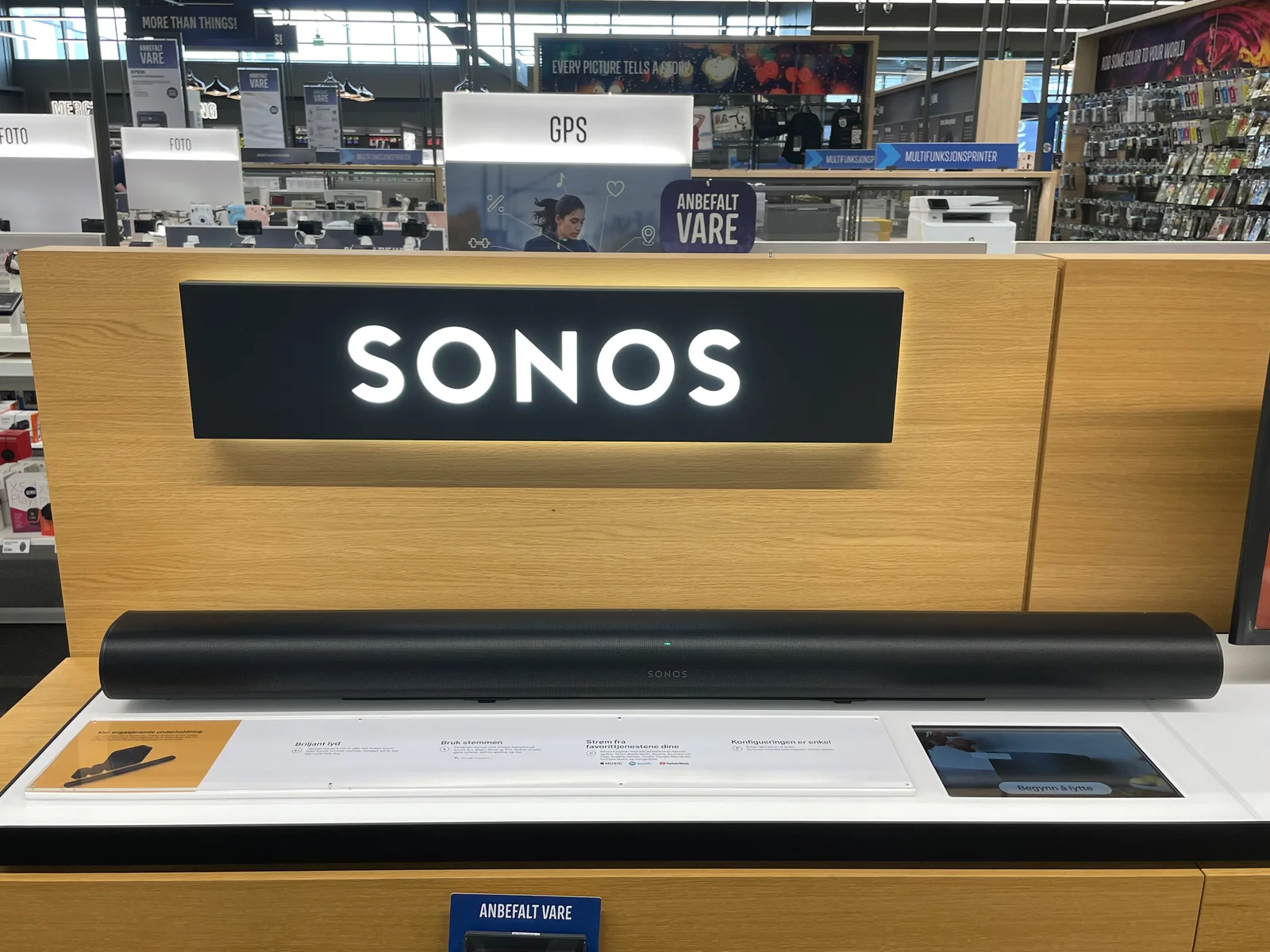
An audio product’s HDMI connection can have a specific documented role. Do not count it as an extra source input or passthrough path without evidence from that exact product. A curved soundbar in a photograph cannot establish the number or purpose of connections on another bar. Keep the actual input and output descriptions in the inventory.
Likewise, an intermediate switch or other accessory introduces its own documented requirements. Do not add one solely because it appears to increase a socket count. Preserve the complete intended path and any relevant conditions before deciding that an accessory resolves the purchasing question. This guide does not test a component combination or provide a universal troubleshooting sequence.
Use the inventory when comparing or changing equipment
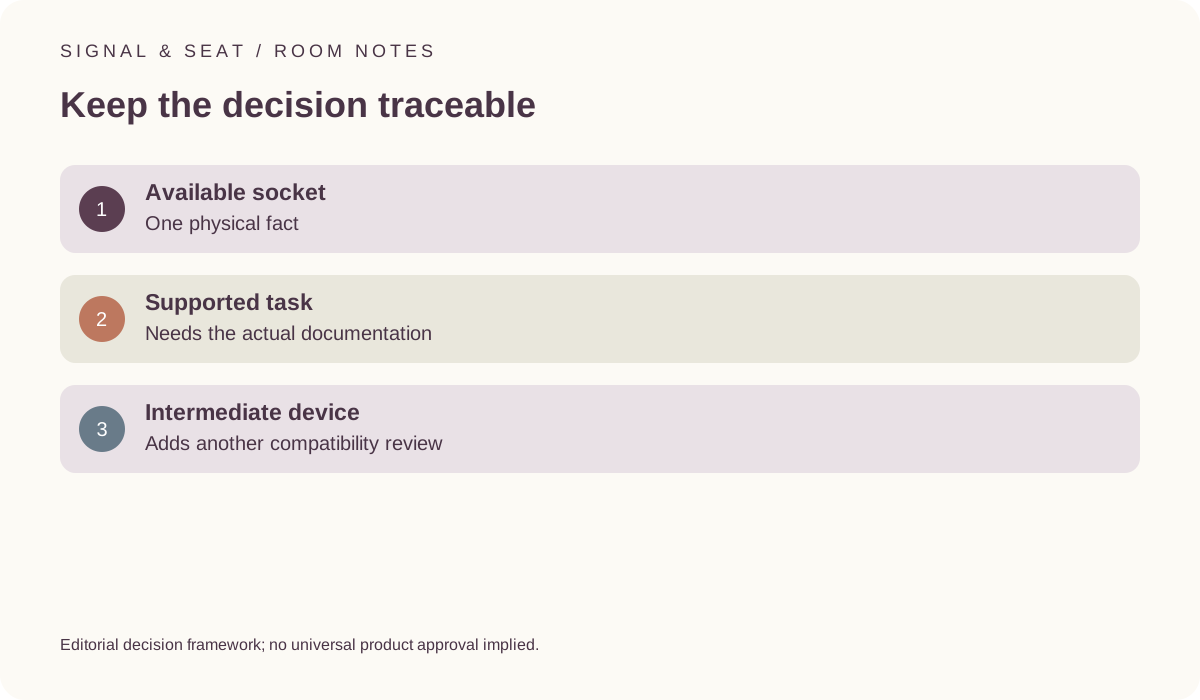
Save model identifiers, source links and the checked date beside the assignments. Keep each desired feature with its actual path. HDMI’s official cable information is a reference for cable categories, but a cable cannot create a capability absent elsewhere in the system. A version number or plug shape should not replace the documentation review.
When a source, television or audio device changes, revisit the assignments rather than reusing a previous conclusion automatically. A useful final record distinguishes physical availability from supported function. It should not promise a measured picture or listening result, or label every unassigned socket universally compatible with whatever might be bought next.
HDMI Licensing Administrator: official cable types ?