Review the TV-to-soundbar return channel
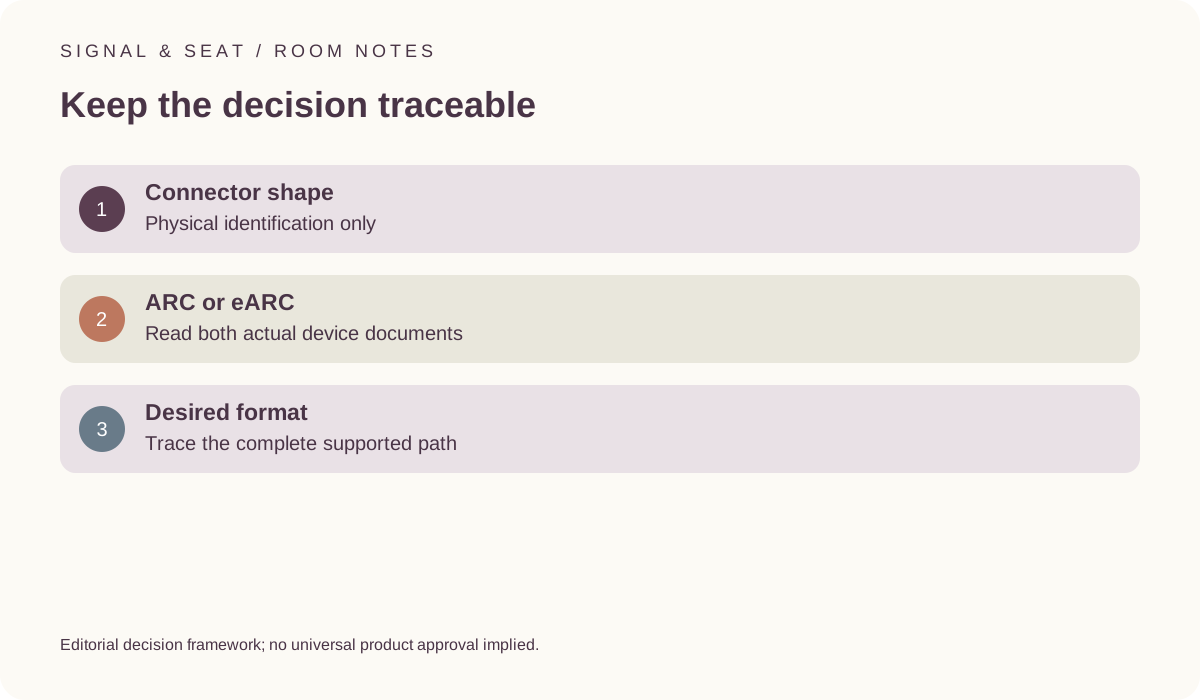
Identify the exact television port, audio device, supported formats and settings rather than relying on an HDMI-shaped socket.
Updated:
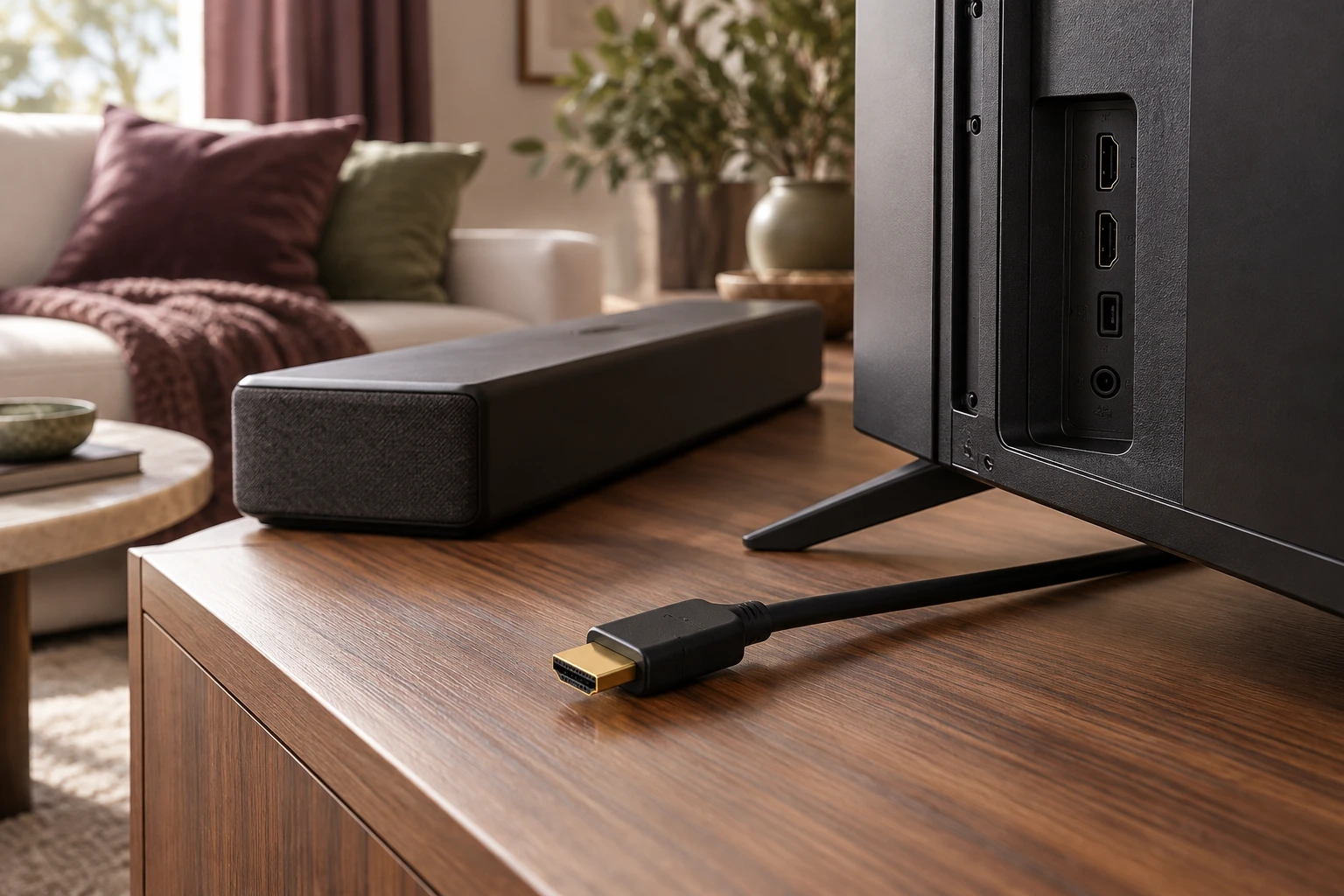
Treat return audio as a distinct connection task
A television sending audio to another device is a different task from a source sending video to the television. Identify the exact return-channel arrangement described by both products. An HDMI-shaped socket by itself cannot establish that the intended function is available. Preserve the relevant port designation, supported formats and any required conditions instead of substituting a broad version number for the actual documentation.
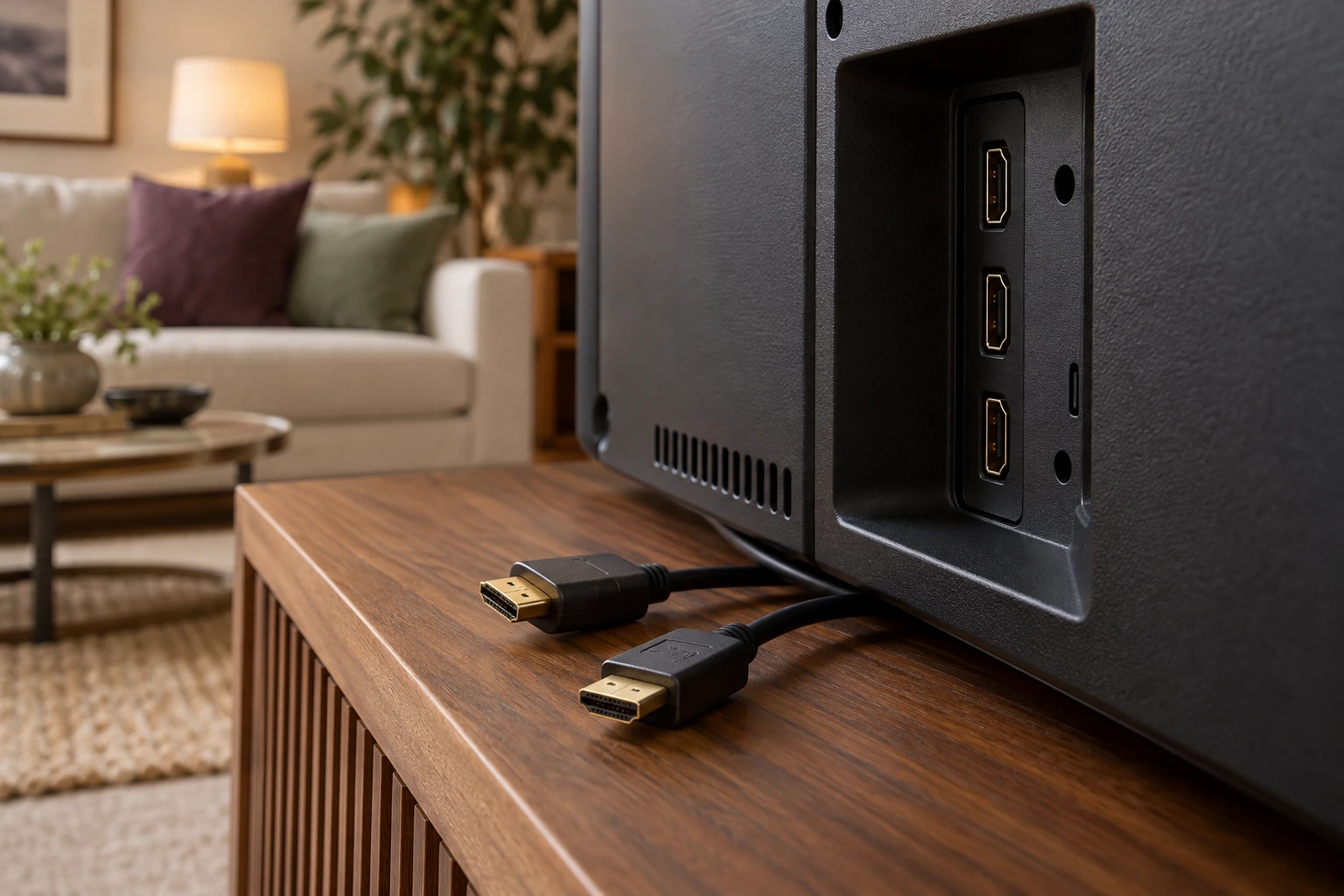
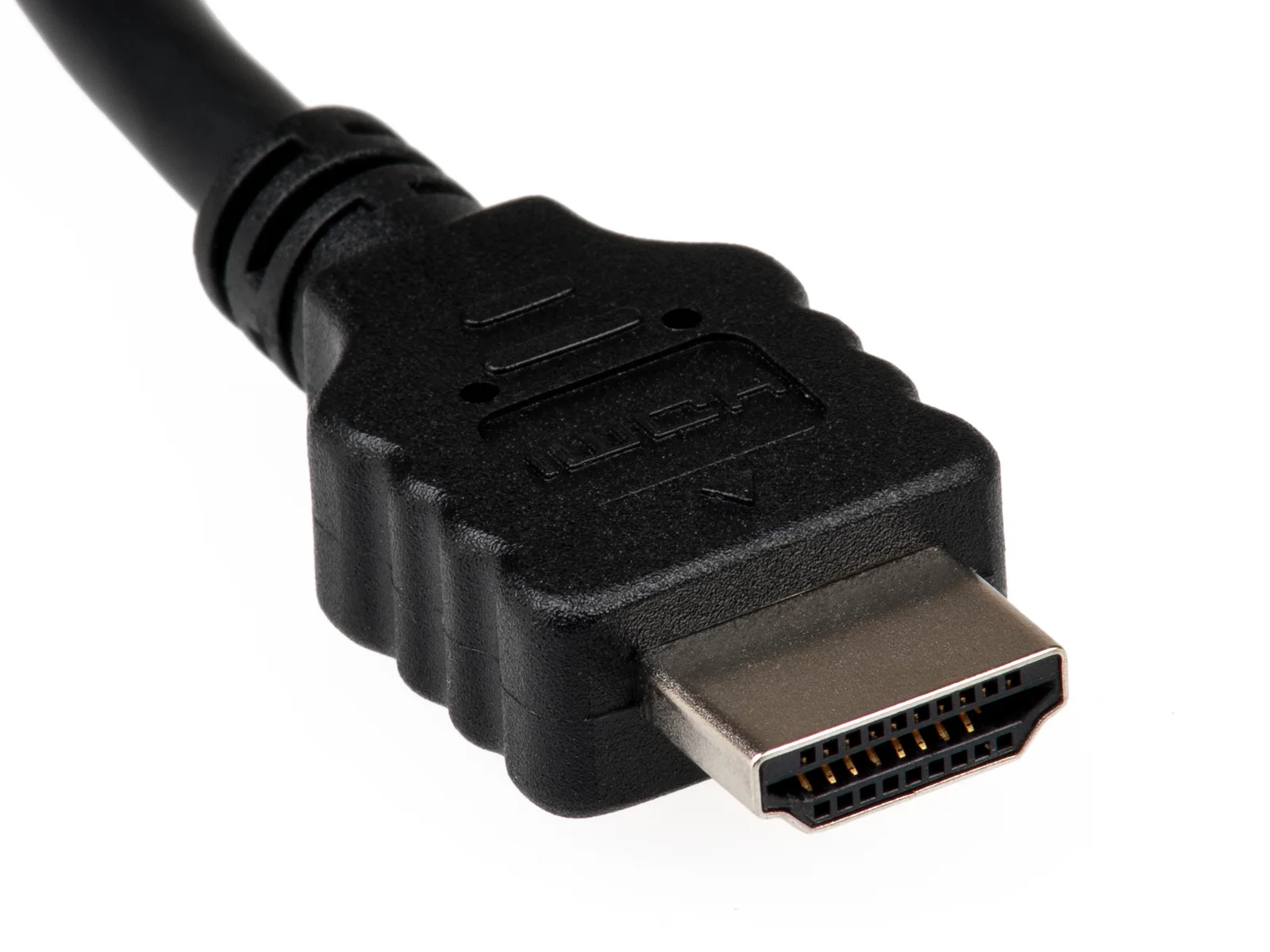
The HDMI plug photograph is physical context only. It does not show a cable’s certification or the capabilities of either connected device. The HDMI Licensing Administrator’s eARC information is a primary reference for that named capability, not a test of the television and soundbar you intend to combine.
HDMI Licensing Administrator: enhanced audio return channel ?
Allow for a documented review rather than a quick assumption
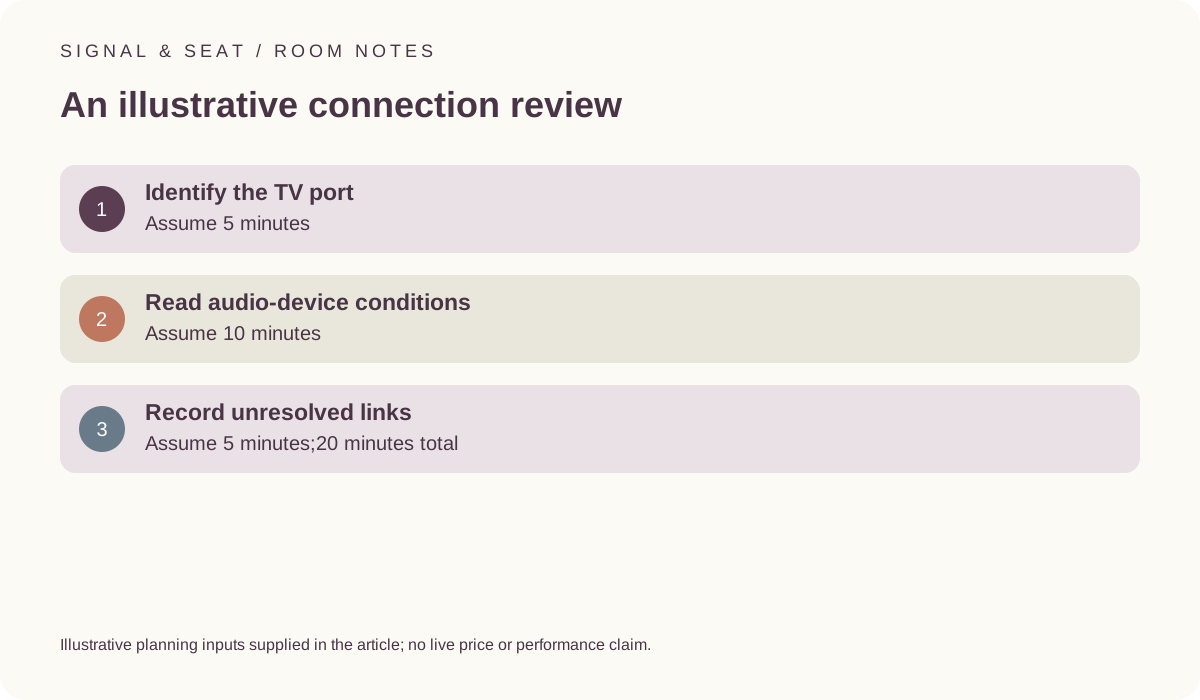
For an illustrative review, allow 5 minutes to identify the television port,10 minutes to read the audio device’s conditions and 5 minutes to record unresolved links. That totals 20 minutes. These invented time inputs are not measured setup times or a promise that every compatibility question can be resolved within that period. A complex source path may need more evidence.
The useful output is a record of what each document actually establishes. Do not use the time allowance to justify selecting a convenient socket or a guessed setting. If the required information is missing, preserve the uncertainty before ordering an adapter or assuming a desired audio format will work.
Keep the television and audio-device examples separate
LG’s UK OLED55C44LA information identifies eARC on HDMI 2. The UK Sonos Beam Gen 2 fact sheet describes its HDMI eARC/ARC connection and distinguishes format conditions, including eARC requirements for some listed formats. These are statements about the named products and documents. They are not a verified combination test or a universal rule for every television and soundbar.
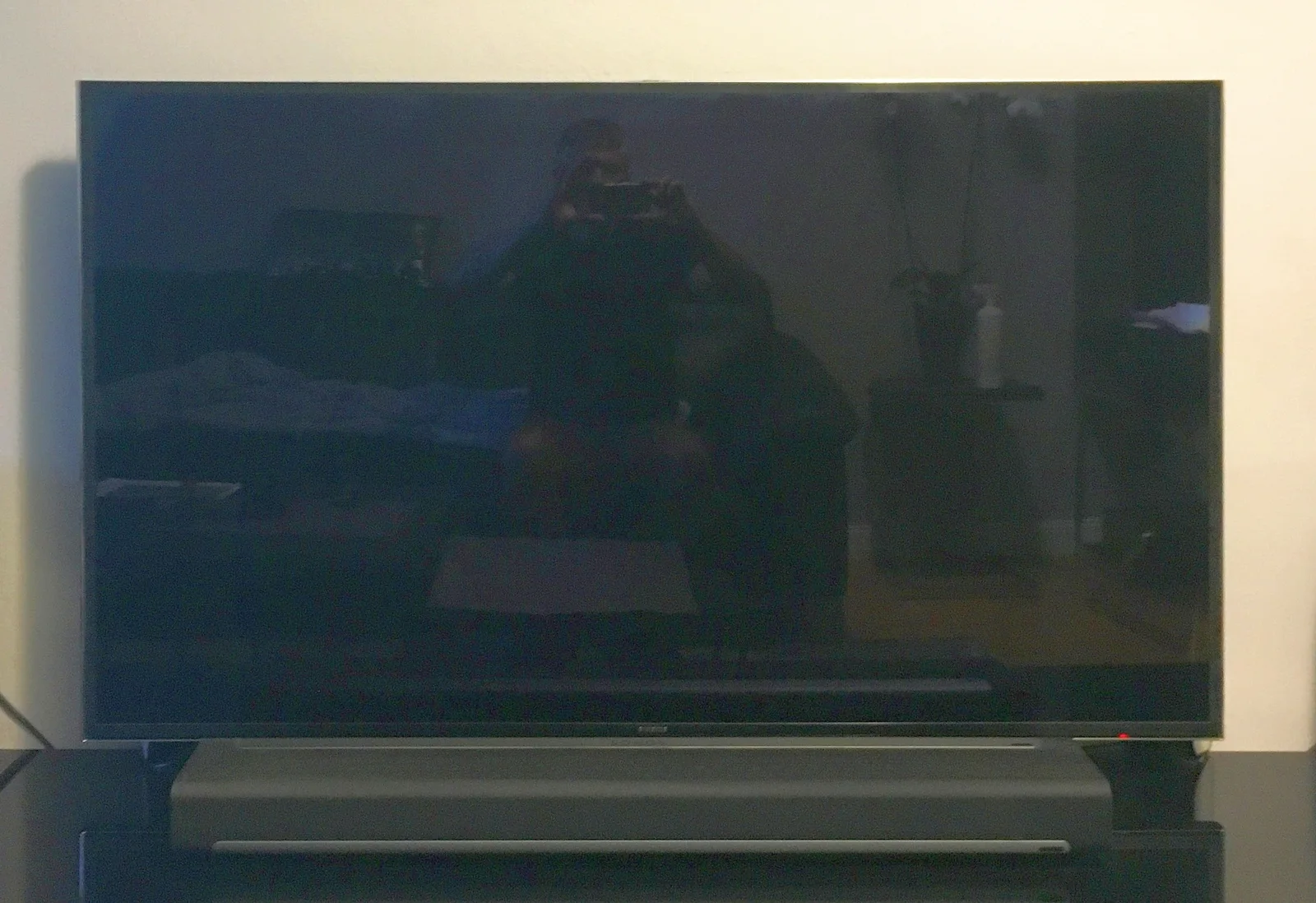
The archived Samsung television and curved Sonos bar pictured here are different equipment. Their appearance cannot establish the actual port or format support in the documentation examples. Keep full model names in the record so that a similar product family does not silently inherit another generation’s capability.
LG UK OLED55C44LA dimensions and connections ? Sonos Beam Gen2 UK manufacturer fact sheet ?
Include the source material and relevant settings
A desired format also needs an appropriate source or app, content and documented handling through the television and audio device. Keep those links visible rather than combining separate capability claims into a guaranteed result. Review the exact manuals’ conditions without treating a format badge on one component as evidence for the rest of the path.
This guide is a buying and documentation review, not a universal troubleshooting sequence. If an existing system behaves differently from the expected path, use the relevant model-specific support information. Do not infer a faulty cable or device solely because a high-level label appeared to promise the format. A complete record helps identify which condition still needs evidence.
Finish with the scope of the actual conclusion
Save the port designation, audio-device model, source path and checked documents. Distinguish an attributed capability from a later observation in your own system. A connection record should be able to state what remains unresolved, including a setting or source condition, without claiming that the presence of eARC alone guarantees every format or listening result.
Before buying, check the accessory list and the exact documented arrangement. The photographs are archival context rather than included-parts evidence. A clear review can prevent an unnecessary purchase while keeping genuine uncertainty visible, instead of replacing one unverified compatibility assumption with another.