Compare the documented optical and HDMI audio paths
Review exact outputs, receiving-device requirements and format conditions instead of assuming two connection options are equivalent.
Updated:
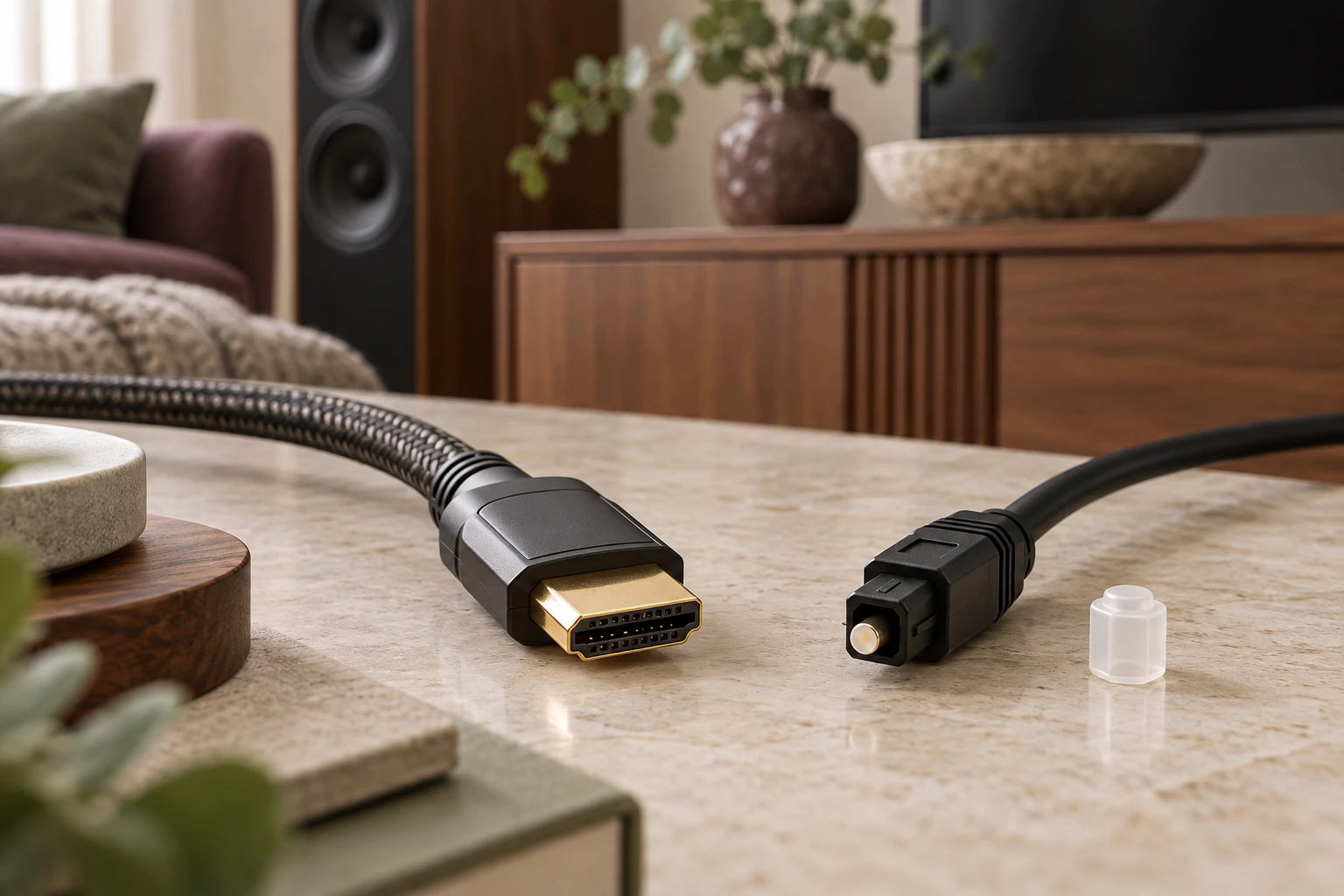
Identify both ends before comparing connection names
Begin with the actual television output and the receiving audio device’s documented requirement. An optical option and an HDMI option should each have their own path record. Do not assume that two available connection names carry identical features or that a generic adapter makes them interchangeable. Keep the exact product identities and the intended source material visible.
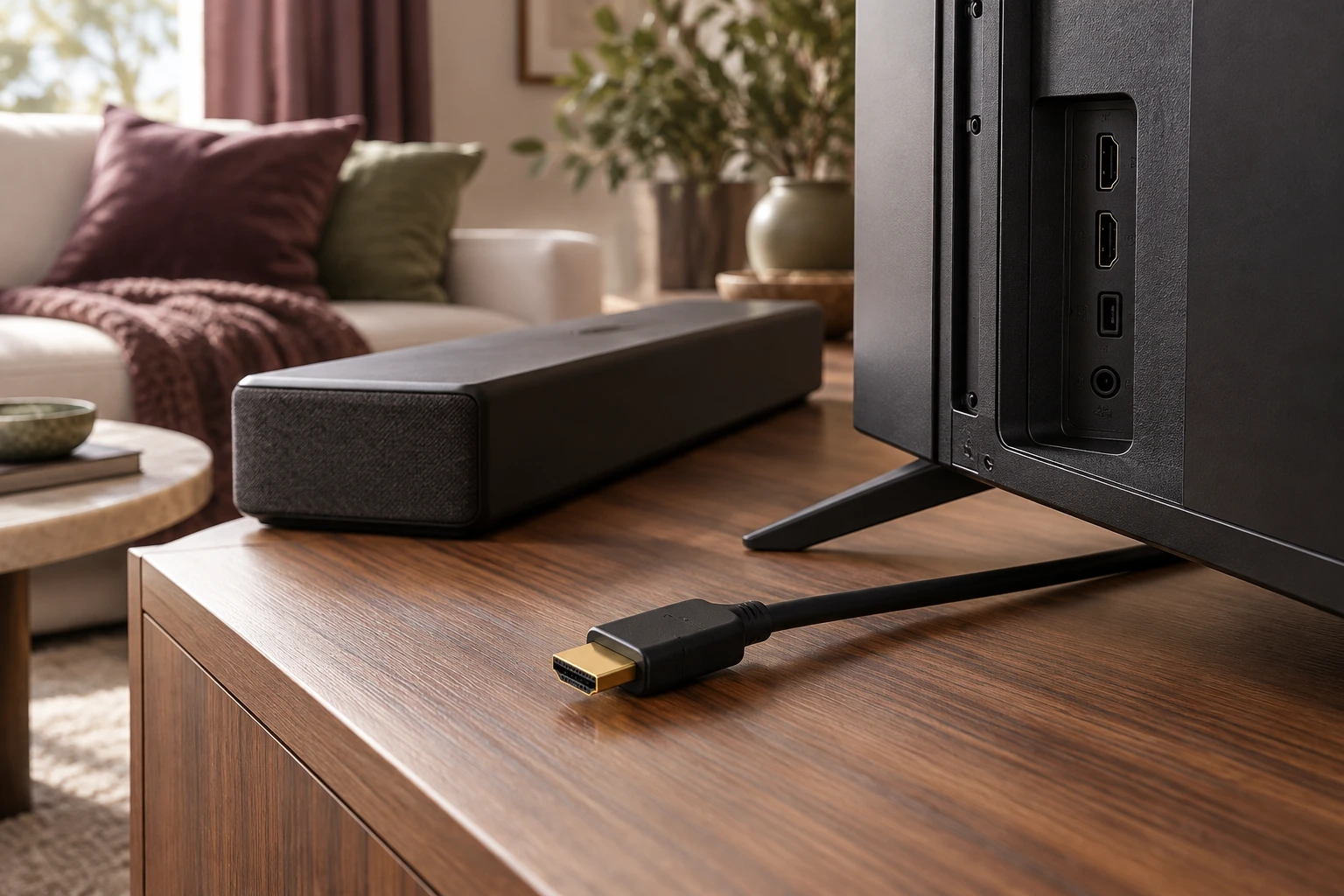
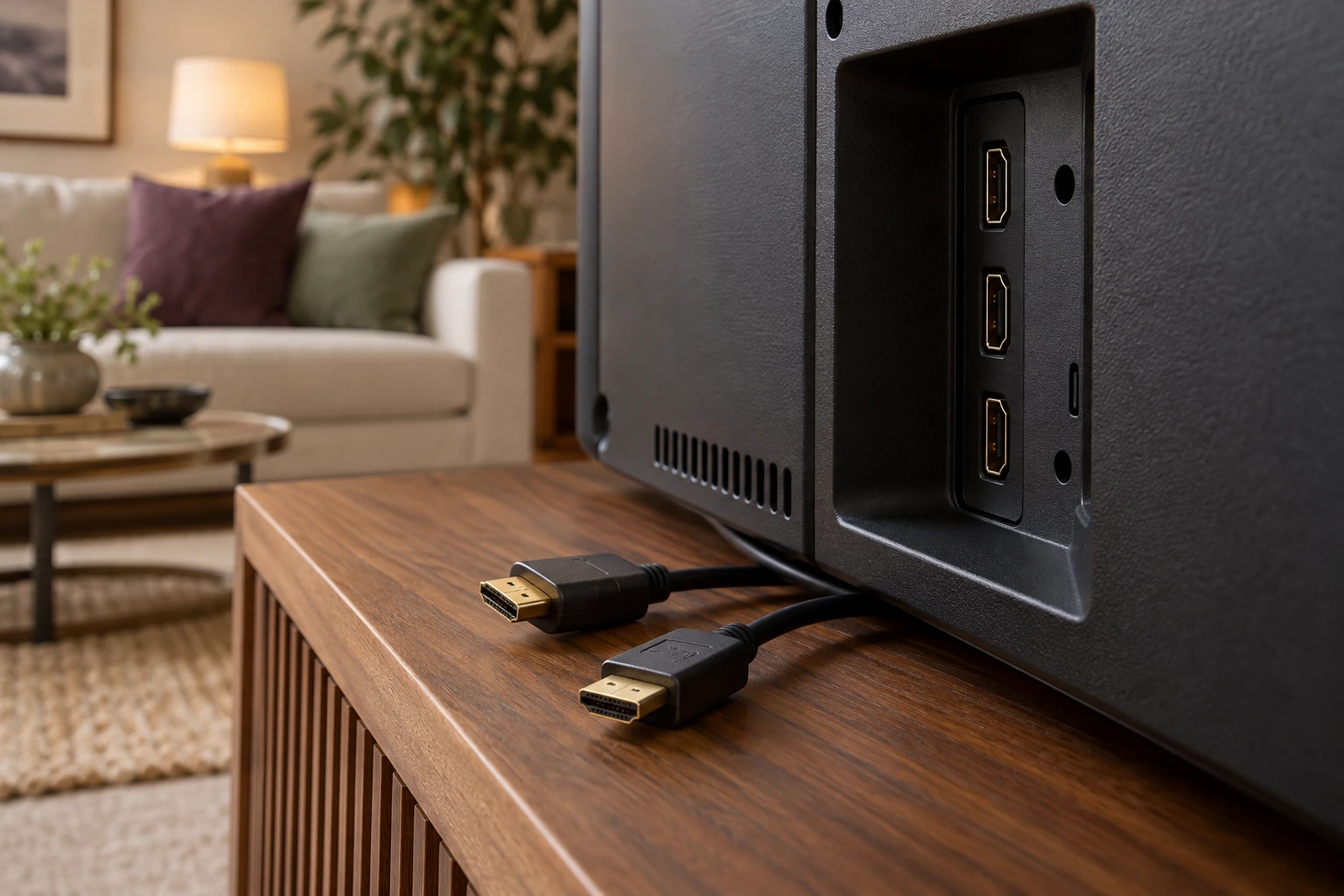
The archived television cannot establish which outputs a current candidate offers. The plug photograph shown later is HDMI, not optical. These images identify physical context only; they do not demonstrate a tested connection or provide evidence that an adapter supports the task you want to perform.
Allow for a separate review of each proposed path
For an illustrative planning session, assume 5 minutes to identify the TV output,10 minutes to read the receiving device’s conditions and 5 minutes to record the source and format questions. That totals 20 minutes. These are invented time allowances, not measured setup times or a promise that every uncertain combination can be resolved within that period.
The important output is the condition attached to each option. If a document does not answer a relevant question, keep the gap visible. Do not let the existence of a second connection option turn an unresolved first path into a claimed equivalent result.
Preserve the named manufacturer’s adapter scope
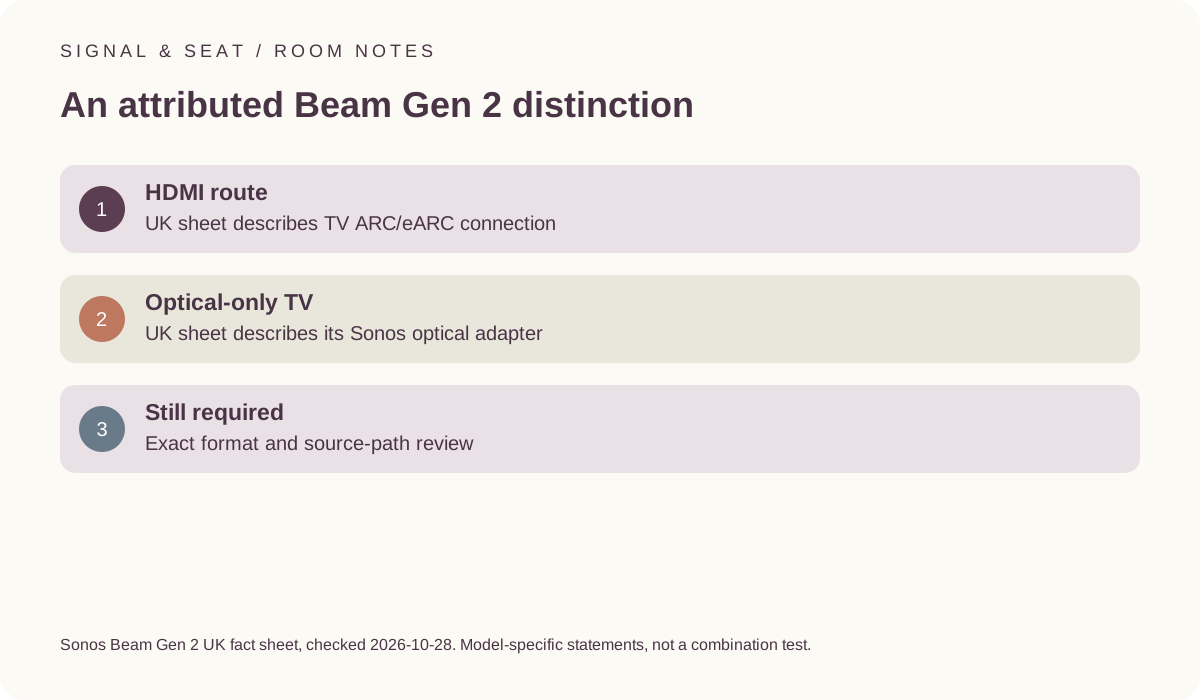
The UK Beam Gen 2 fact sheet describes connecting to a television’s HDMI eARC/ARC port and describes using the included Sonos Optical Audio Adapter where the TV has optical output only. Keep this statement with the named product and its actual bundle documentation. It is not a universal approval for an arbitrary adapter or another soundbar.
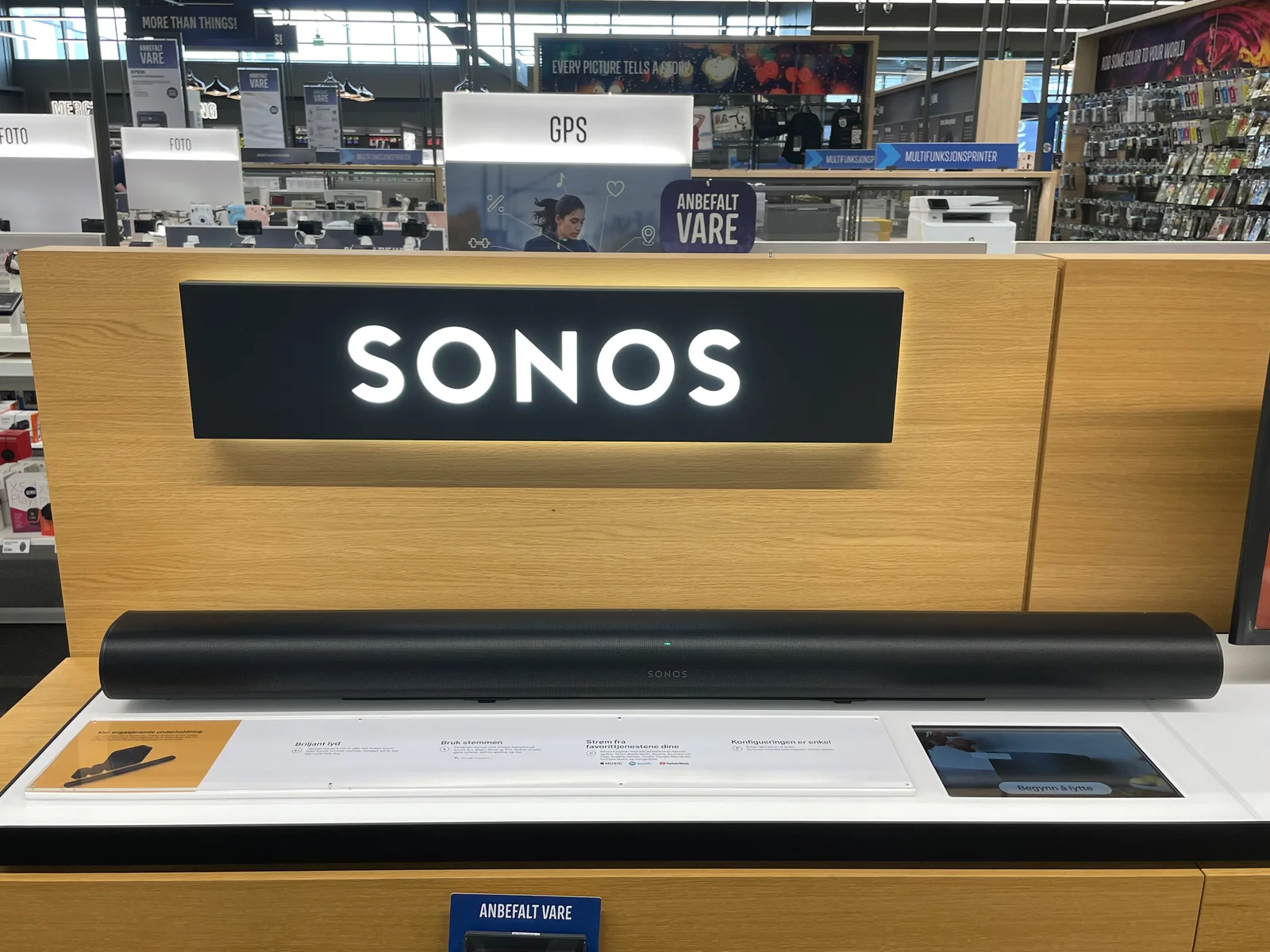
The same document distinguishes audio-format conditions, so the presence of an optical alternative should not be treated as evidence that every listed format behaves identically across both routes. Read the exact relevant entries and the complete source path. The curved bar in the photograph is different equipment, not a Beam Gen 2 demonstration.
Sonos Beam Gen2 UK manufacturer fact sheet ?
Keep return-channel requirements distinct from plug shape
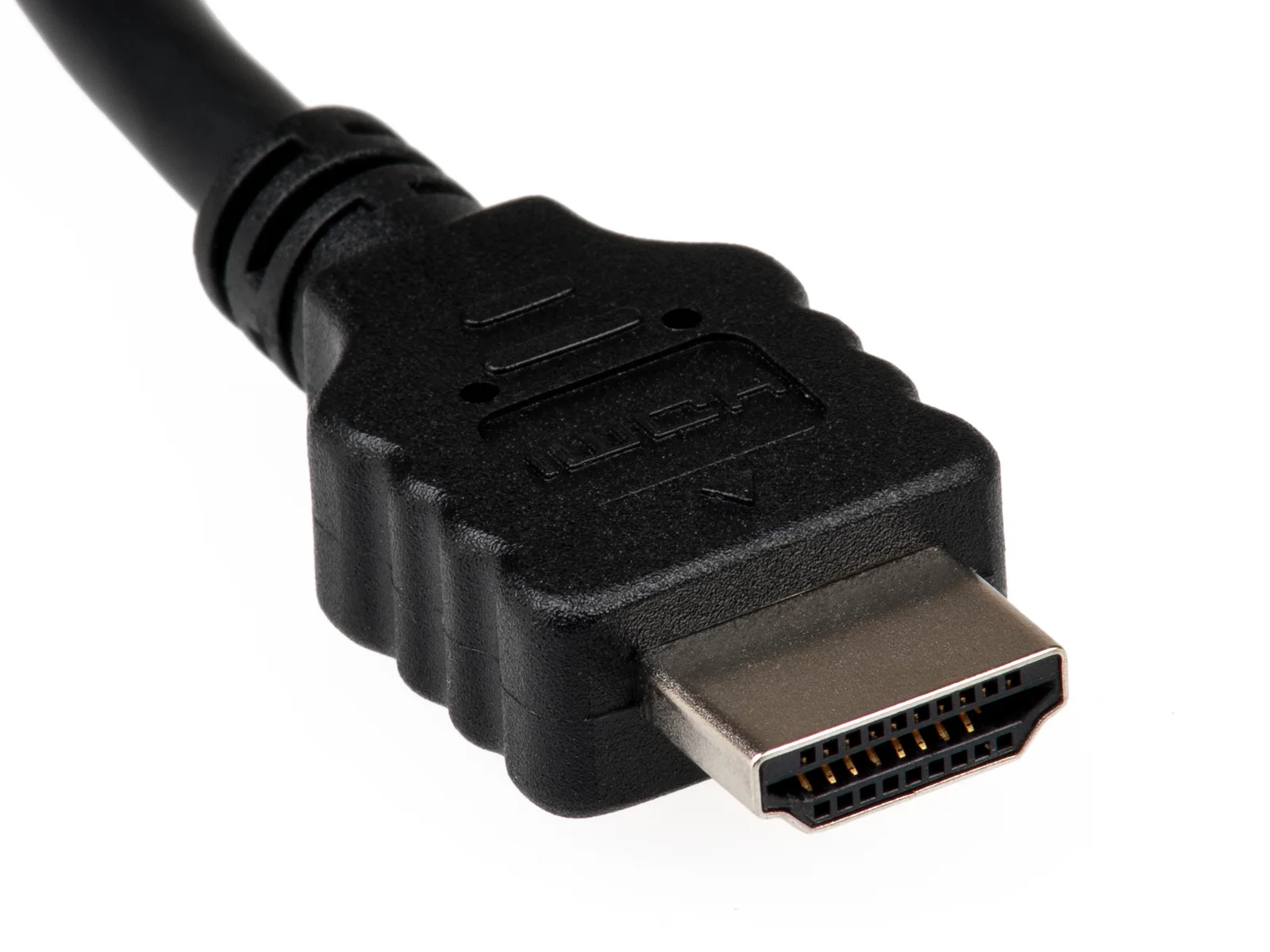
An HDMI return-channel task needs the applicable device requirements rather than a conclusion drawn from a socket’s outline. HDMI Licensing Administrator’s eARC information is a primary reference for that capability. It does not test a combination of source, TV, cable and soundbar or guarantee a format through every possible arrangement.
The TypeA plug image cannot establish those conditions or the status of an optical adapter. Retain the exact source, television handling and receiving-device requirements. If the proposed arrangement changes, revisit the path instead of assuming that a previously available connection name settles the new use.
HDMI Licensing Administrator: enhanced audio return channel ?
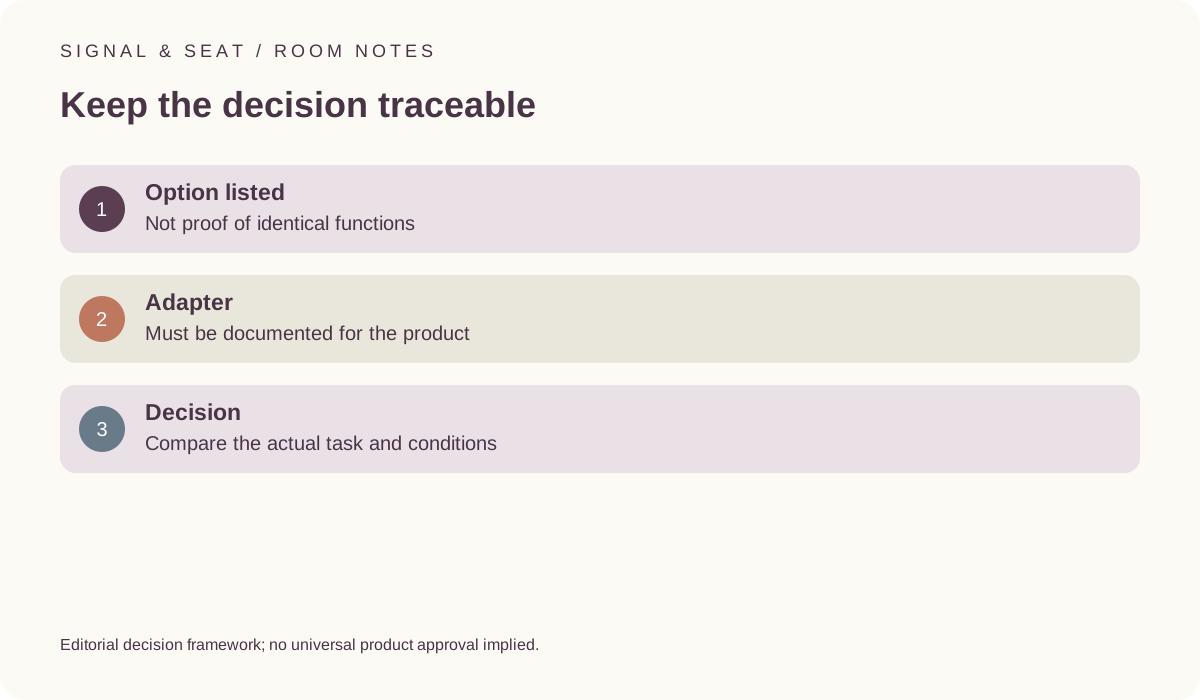
Compare the actual task rather than ranking labels universally
A useful purchase record states which documented path serves the intended source and what conditions remain. Include the necessary approved accessories in the quote only after their applicability is established. Keep any actual observation separate from a manufacturer capability list, and do not promise a listening-quality advantage from a connection name alone.
If an existing setup does not behave as expected, use model-specific support rather than assigning fault from this high-level comparison. The guide provides a way to organise evidence, not a universal troubleshooting procedure. A clear distinction between the two documented options is more useful than claiming that one label automatically answers every format, control or compatibility question.