Match TV features to the source you use
Review the actual source, input, settings and content before treating a display feature badge as an end-to-end result.
Updated:
Start with what you will actually feed to the display
Name the source device or app and the material you intend to use. Keep a games console, a streaming app and another source as separate entries when their requirements differ. A television feature matters only in relation to an intended task and its documented conditions. Do not begin by adding every badge on the sales page to a single list of guaranteed results.
The archived television photo is not the current LG model and does not demonstrate its inputs or picture performance. A useful record identifies the exact candidate and the exact source rather than transferring capabilities between similar-looking products.
Keep a separate row for each intended path
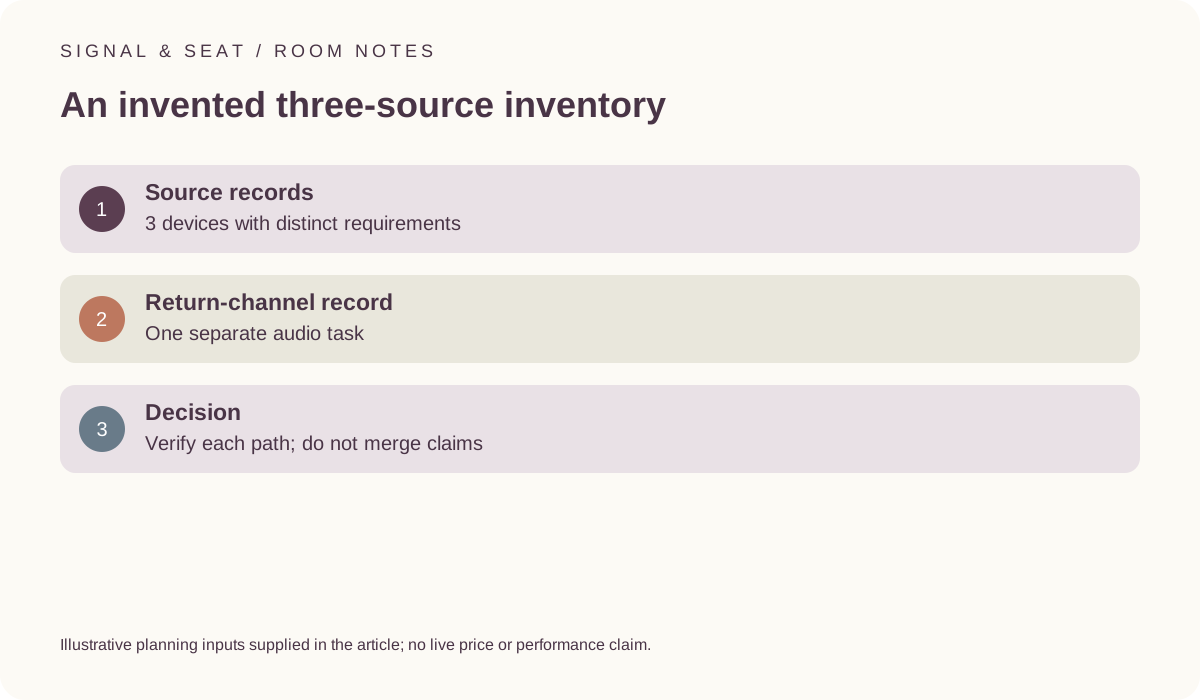
For an illustrative planning session, assume 3 source records and allow 5 minutes to identify each one. That is 15 minutes for the initial source list, before resolving any compatibility question. These are invented time allowances, not measured setup times or a promise that the complete review can be finished in that interval. The purpose is to keep the sources distinct.
Record the intended feature, the relevant output, the television input and any intermediate equipment for each path. If two paths need different conditions, preserve the difference. A complete-looking inventory should not hide an unresolved requirement by borrowing another source’s successful example.
Read the exact input information in the manufacturer document
LG’s UK OLED55C44LA information is an example of a source that identifies connection features for a named model, including its designated eARC input. That does not make every HDMI socket on every television equivalent. Retain the actual input designation and any documented conditions for the task you want to perform.
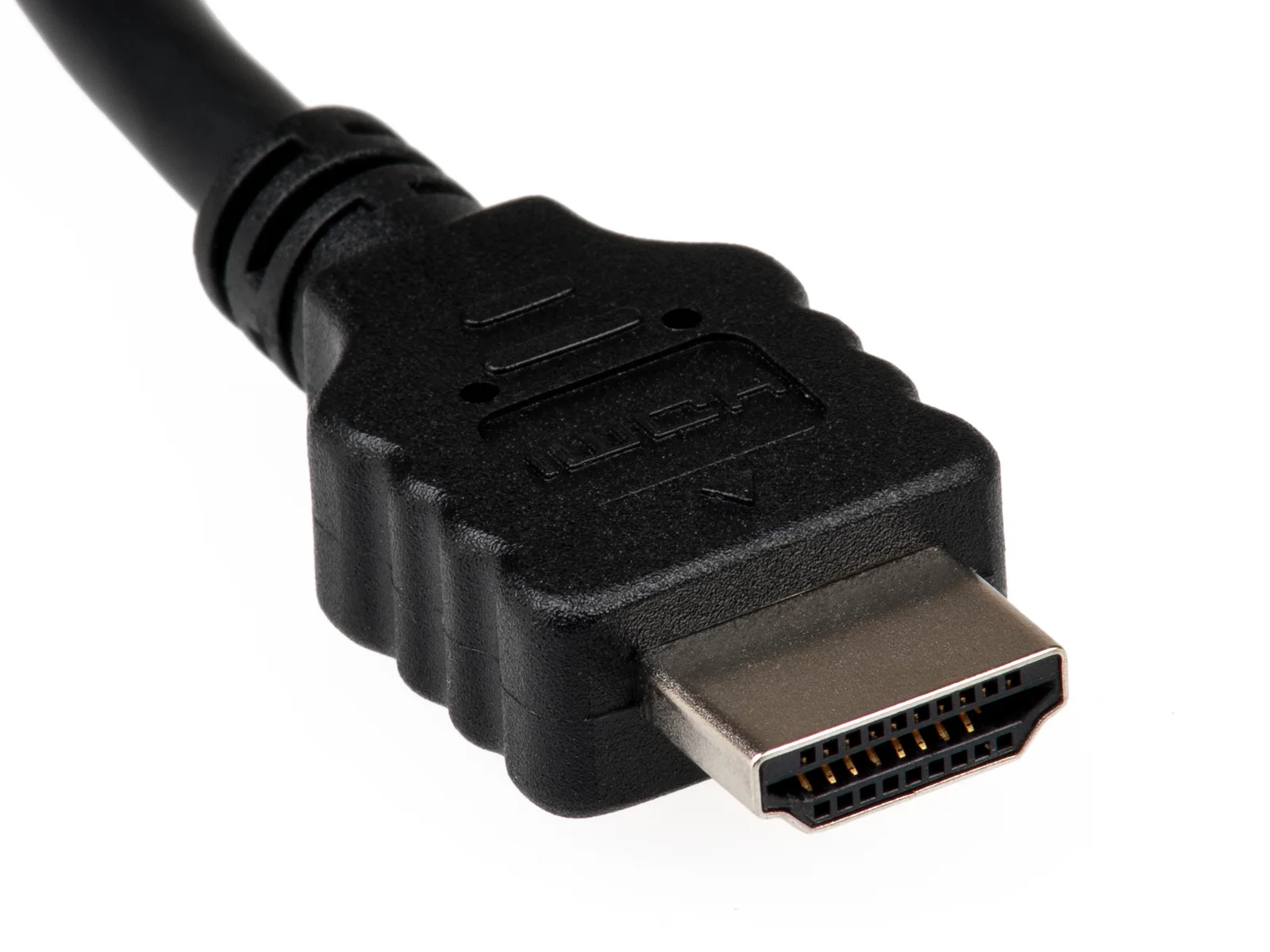
The HDMI plug photograph shows connector form only. It cannot establish a cable’s certification or the capabilities of the devices at either end. The HDMI Licensing Administrator’s cable information is a primary reference for cable-category claims, but a suitable cable alone cannot supply a feature that another part of the intended path does not support.
LG UK OLED55C44LA dimensions and connections ? HDMI Licensing Administrator: official cable types ?
Separate picture features from the return-audio task
A source-to-display video path and a television-to-audio return path are related but different records. Review each exact device and the applicable settings rather than assuming a version number or logo answers both. HDMI’s eARC information describes the named return-channel capability; it does not test the complete combination in your room.
Keep any desired audio format with its source, television handling and audio-device requirements. Do not combine one product’s strongest picture claim with another product’s audio claim as though the result had been verified. If the evidence for a relevant link is missing, preserve that uncertainty before buying an adapter or new component.
HDMI Licensing Administrator: enhanced audio return channel ?
Make the feature comparison reproducible
Save the model identifiers, source links, checked date and the conditions used for each conclusion. Distinguish documentation from an actual demonstration or your own later observation. The remote image is a reminder that controls and settings belong in the review; it is not proof that every candidate offers the same menu or remote-control behaviour.
A useful shortlist explains which intended source tasks are supported by the available evidence and which still need review. It should not promise a picture or audio result solely from a badge, a port shape or a diagonal size. Revisit the record if the source, intermediate equipment or relevant software changes.